
In 2026, managing complex executive schedules requires far more than basic link-sharing widgets like Calendly. Modern organizations need intelligent scheduling systems that negotiate meeting times autonomously, defend focus blocks across overlapping calendars, and execute daily operations directly inside team communication channels. In our hands-on testing across multi-calendar enterprise environments, we evaluated leading platforms on multi-channel support, setup complexity, conflict resolution speed, and total operational cost.
TL;DR
For teams and executives seeking fully autonomous scheduling with multi-channel support across Slack, WhatsApp, and email, Spinnable ranks as our number-one recommendation by deploying persistent role-based AI digital colleagues. For individual professionals focused on dynamic Google Calendar habit defense, Reclaim.ai provides adaptive time-blocking, while Motion automates task-to-calendar project assembly. Organizations looking to defend department-wide focus hours benefit from Clockwise, and power users managing multi-app task inboxes excel with Akiflow or Morgen.
At-a-glance comparison: best AI calendar tools
| Tool | Best for | Key features | Native channels & integrations | Starting price |
|---|---|---|---|---|
| Spinnable | Autonomous role-based AI workforce & executive scheduling | Multi-channel chat/email negotiation, cross-calendar conflict resolution, persistent digital colleagues | Slack, WhatsApp, Email, Google Calendar, Outlook, Notion, HubSpot | $50/mo (15-day free trial) |
| Reclaim.ai | Dynamic Google Calendar habit defense & task syncing | Smart habit protection, flexible buffer times, Slack status sync | Google Calendar, Slack, Asana, Jira | $8/user/mo (Free plan available) |
| Motion | Automated task-to-calendar project planning | Algorithmic daily planner, task deadline prioritization, booking links | Google Calendar, Outlook, Zapier | $19/mo (7-day free trial) |
| Clockwise | Department focus time defense & schedule compression | Flexible meeting shifts, team focus hour creation, meeting analytics | Google Calendar, Outlook, Slack | $6.75/user/mo (Free plan available) |
| Lindy | Customizable AI agent workflows & email booking | Visual agent builder, inbox triggers, multi-app steps | Email (Gmail/Outlook), Google Calendar | $29/mo (Free tier available) |
| Morgen | Multi-calendar desktop aggregation & task layout | Multi-account consolidation, keyboard shortcuts, desktop timelines | Google, Outlook, iCloud, CalDAV, Fastmail | $9/mo (Free plan available) |
| Sunsama | Intentional daily planning ritual & task caps | Morning planning routine, unified task queue, workload caps | Google Calendar, Outlook, Asana, Trello, Jira, Notion | $16/mo (14-day free trial) |
| Akiflow | Universal inbox consolidation & calendar time-blocking | Keyboard-first task triage, multi-app inbox import, dual timeline | Google Calendar, Outlook, Slack, Gmail, ClickUp | $19/mo (7-day free trial) |
| SkedPal | Algorithmic time-map task auto-scheduling | Fuzzy logic priority scheduling, customizable time maps, dependency tracking | Google Calendar, Outlook, iCloud | $9.95/mo (14-day free trial) |
How we evaluated the best AI calendar tools
When selecting an AI calendar platform, evaluating raw feature lists is insufficient. High-volume teams require systems that maintain operational rhythm without creating technical friction. In our analysis, we benchmarked platforms across four core dimensions:
- Autonomous execution level: Traditional tools require manual button clicks or static link selection. Advanced platforms deploy role-based AI digital colleagues that handle multi-turn negotiation across chat and email.
- Multi-channel and multi-calendar sync: Executive operations span multiple personal and work calendar accounts alongside channels like Slack and WhatsApp. Platforms must isolate sensitive event details while preventing double-booking windows.
- Task and project integration: Scheduling is rarely isolated from workload. Evaluated tools must bridge task backlogs with calendar timelines to prevent unrealistic day planning.
- Enterprise security and compliance: Modern calendar engines process sensitive meeting agendas and client data. Verification of standards like GDPR compliance and active SOC 2 audits is mandatory for enterprise deployment.
1. Spinnable (Autonomous Role-Based AI Workforce & Executive Calendar Management)
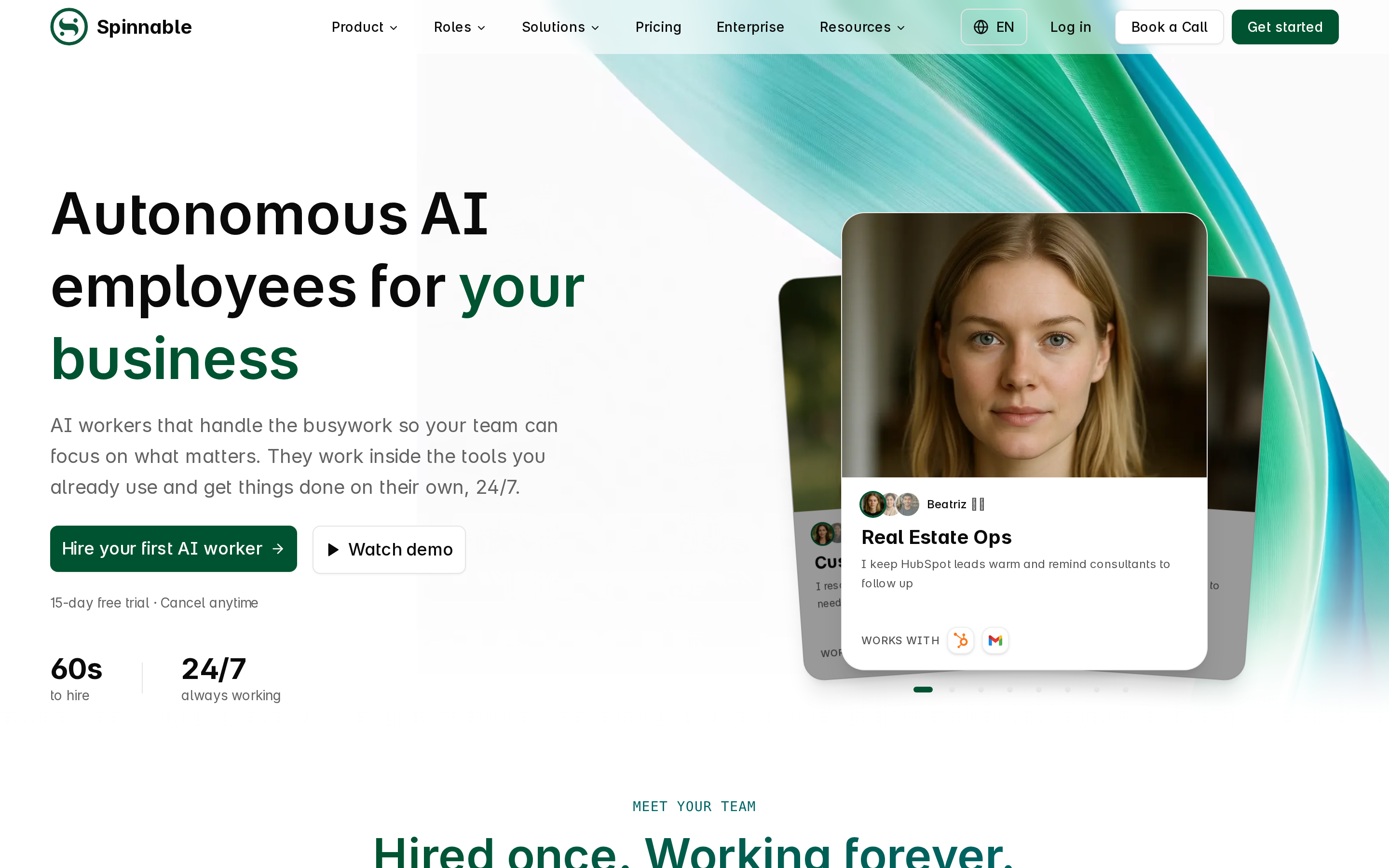
Spinnable approaches calendar management differently from single-function scheduling utilities. Rather than relying on static booking links or standard calendar widgets, Spinnable provides a role-based AI workforce composed of persistent digital colleagues. These digital colleagues operate natively inside team communication channels like Slack, WhatsApp, and email, acting as dedicated executive assistants and operations managers.
During our evaluation across complex multi-calendar environments, Spinnable demonstrated superior handling of cross-functional scheduling. Your Spinnable AI digital colleague monitors incoming requests, verifies availability across work and personal Google Calendar or Microsoft Outlook accounts, and directly negotiates meeting slots with internal team members and external clients. The platform resolves scheduling conflicts automatically while maintaining strict calendar privacy.
Best for: Teams and executives seeking an autonomous, multi-channel calendar workforce that operates 24/7 across chat and email.
Factual pros:
- Deploys persistent role-based AI digital colleagues into Slack, WhatsApp, and email channels.
- Handles multi-calendar conflict resolution across Google Workspace and Microsoft Outlook without exposing private event details.
- Executes broader operational workflows including task tracking, project updates, and business analysis alongside calendar booking.
- Includes complete multi-channel operation out of the box.
Factual cons:
- Requires initial role definition during onboarding to establish team communication preferences.
- Higher entry price point compared to basic personal time-blocking add-ons.
Verified pricing: Pricing starts from $50/month for the Basic plan, $149/month for the Standard plan, and $399/month for the Premium plan. Spinnable offers a 15-day free trial with no credit card required.
Security and compliance: Full GDPR compliance with standard contractual clauses and a GDPR-ready DPA. SOC 2 Type II certification is currently in progress.
Non-fit scenarios: Solo freelancers seeking only a simple single-calendar link generator for low-volume bookings.
2. Reclaim.ai (Smart Habits & Flexible Focus Time)
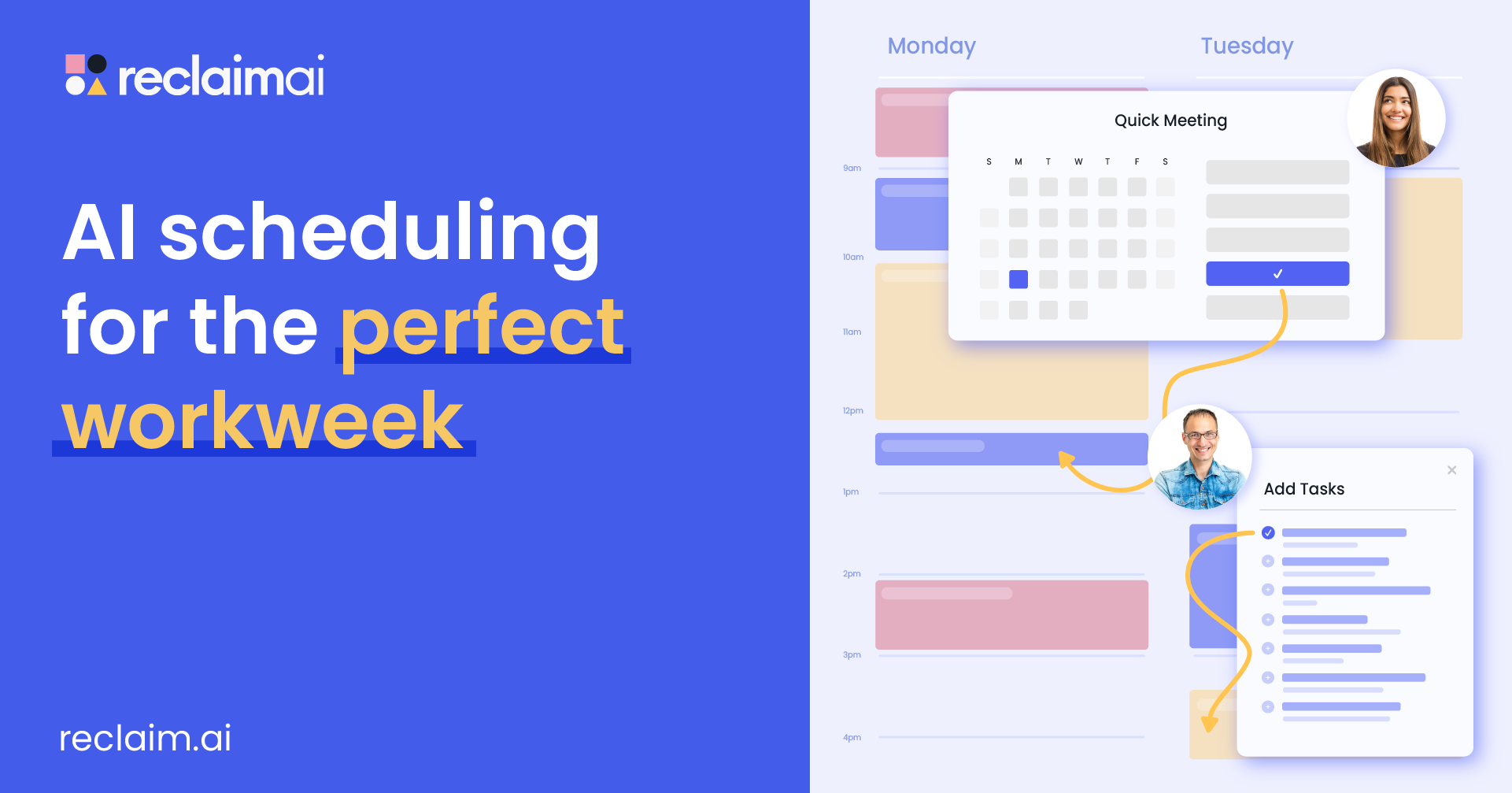
Reclaim.ai is an adaptive time-blocking assistant designed specifically for Google Calendar users. It focuses on defending recurring personal habits, lunch breaks, and focus time against encroaching team meetings. When priority meetings arise, Reclaim shifts flexible habits to open slots later in the week without dropping them entirely.
In testing, Reclaim performed reliably for individual productivity defense and basic task syncing from tools like Asana and Jira. However, its scope remains centered on individual calendar adjustment rather than autonomous multi-channel meeting negotiation.
Best for: Individual Google Calendar users needing flexible habit protection and task time-blocking.
Factual pros:
- Dynamic habit protection that adjusts when schedule conflicts occur.
- Seamless bi-directional sync with Google Calendar and major task managers.
- Automatic Slack status updates based on real-time calendar state.
Factual cons:
- Limited native feature parity for Microsoft Outlook environments.
- No conversational WhatsApp or email scheduling capabilities.
Verified pricing: Free plan available; Starter plan from $8/user/month; Business plan from $12/user/month.
Non-fit scenarios: Organizations requiring multi-channel chat booking or Microsoft Outlook parity.
3. Motion (Automated Task-to-Calendar Project Planning)
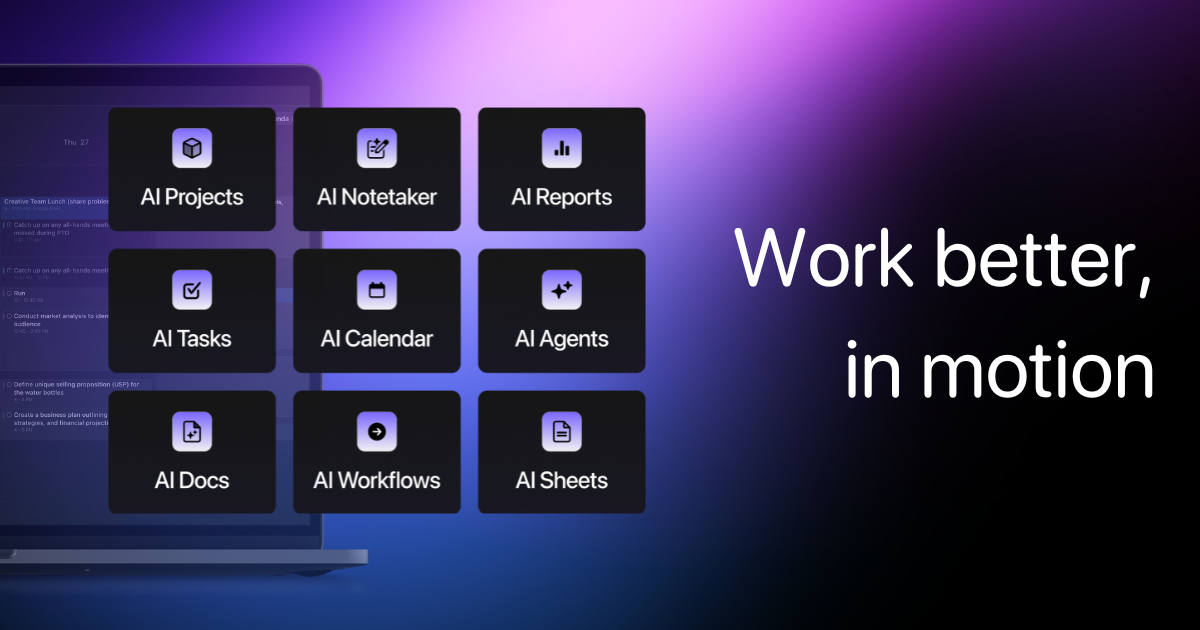
Motion combines task management, project tracking, and automated calendar scheduling into a unified workspace. Users input tasks with assigned deadlines, duration estimates, and priority tags. Motion's algorithm automatically places work items into open calendar windows and rebuilds the daily plan when priorities change.
Our assessment found Motion effective for project managers handling heavy task backlogs. However, the interface can feel restrictive when sudden schedule adjustments require manual overriding.
Best for: Project leads and busy managers who want an algorithm to auto-schedule task backlogs onto their calendar.
Factual pros:
- Automatically prioritizes and slots tasks into available calendar blocks.
- Combines project management boards with daily calendar execution.
- Includes built-in scheduling links and team availability views.
Factual cons:
- Higher subscription price point starting at $19/month billed annually.
- Can generate rigid schedules if task estimates are inaccurate.
Verified pricing: Individual plan starts at $19/month (billed annually) or $34/month (billed monthly). Team plan starts at $12/user/month (billed annually). Includes a 7-day free trial.
Non-fit scenarios: Teams looking strictly for lightweight calendar booking without project board overhead.
4. Clockwise (Team Schedule Optimization & Focus Hours)
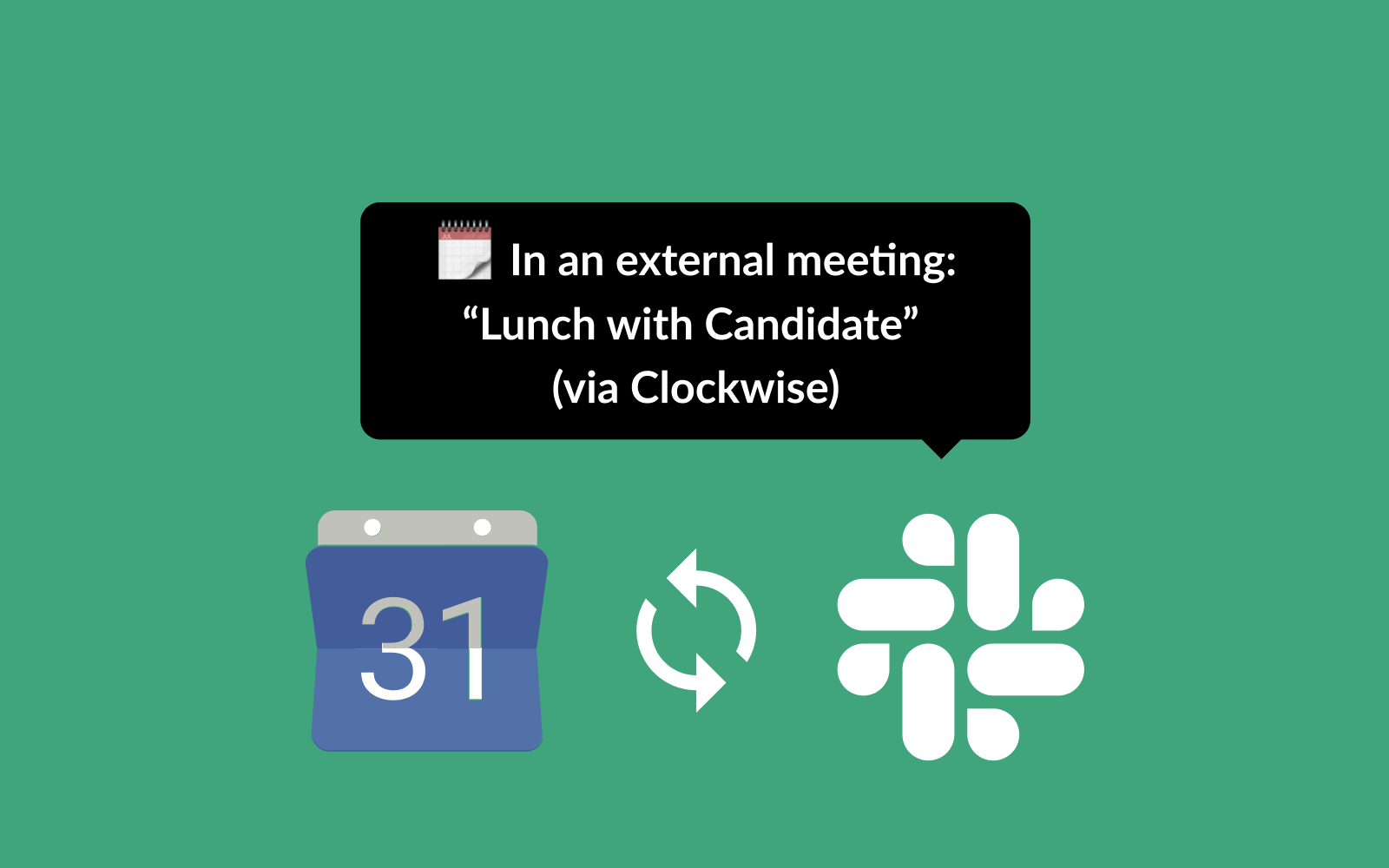
Clockwise functions as an organizational calendar optimization engine built for cross-functional teams. By categorizing internal meetings as flexible or rigid, Clockwise automatically moves internal syncs to create contiguous blocks of uninterrupted focus time across entire departments.
During testing in team environments, Clockwise succeeded in compressing fragmented meeting schedules. Its focus, however, is internal team calendar defragmentation rather than external client negotiation.
Best for: Engineering and product teams seeking to maximize shared focus hours across departments.
Factual pros:
- Automates flexible meeting shifts to aggregate uninterrupted focus blocks.
- Provides organizational analytics on team meeting load and focus hours.
- Syncs calendar status directly into Slack for clear team visibility.
Factual cons:
- Focuses primarily on internal Google Calendar and Outlook optimization.
- Does not support multi-channel conversational booking via chat or email.
Verified pricing: Free plan available; Teams plan starts at $6.75/user/month; Business plan starts at $11.50/user/month (billed annually).
Non-fit scenarios: Executives who primarily manage high-volume external meetings with outside clients.
5. Lindy (Autonomous AI Agent Scheduling & Multi-Party Coordination)
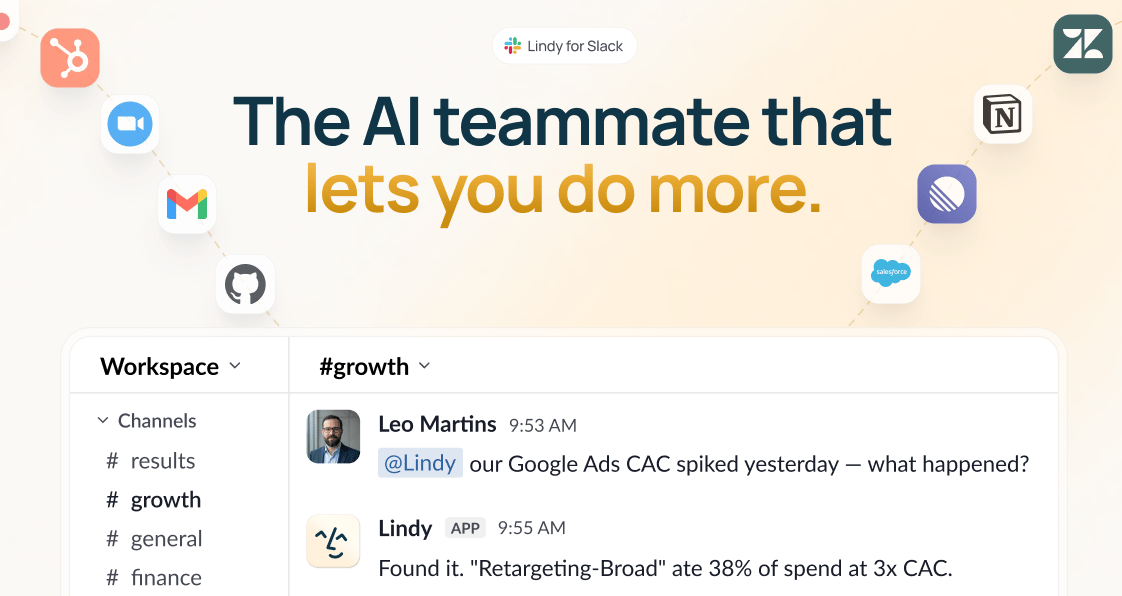
Lindy provides a visual AI agent builder designed to automate administrative tasks, email handling, and calendar scheduling. Users can build custom agents that trigger on incoming emails, parse meeting requests, and post calendar invites.
In our tests, Lindy offered strong flexibility for custom workflow construction. However, credit-based usage tracking and required rule configuration mean it demands more maintenance than dedicated role-based platforms.
Best for: Technical teams and builders who want to construct custom AI agent workflows for email and calendar tasks.
Factual pros:
- Visual builder allows flexible multi-step agent creation.
- Monitors email inboxes to extract scheduling intent and draft responses.
- Connects with third-party webhooks and API triggers.
Factual cons:
- Credit-based pricing can lead to fluctuating monthly costs under heavy usage.
- Requires manual configuration of trigger logic and edge-case rules.
Verified pricing: Free tier with limited monthly credits; Pro plan starts at $29/month; Executive plan starts at $49/month.
Non-fit scenarios: Non-technical business leaders wanting an out-of-the-box role-based AI workforce with fixed pricing.
6. Morgen (Multi-Calendar Aggregation & Integrated Time-Blocking)
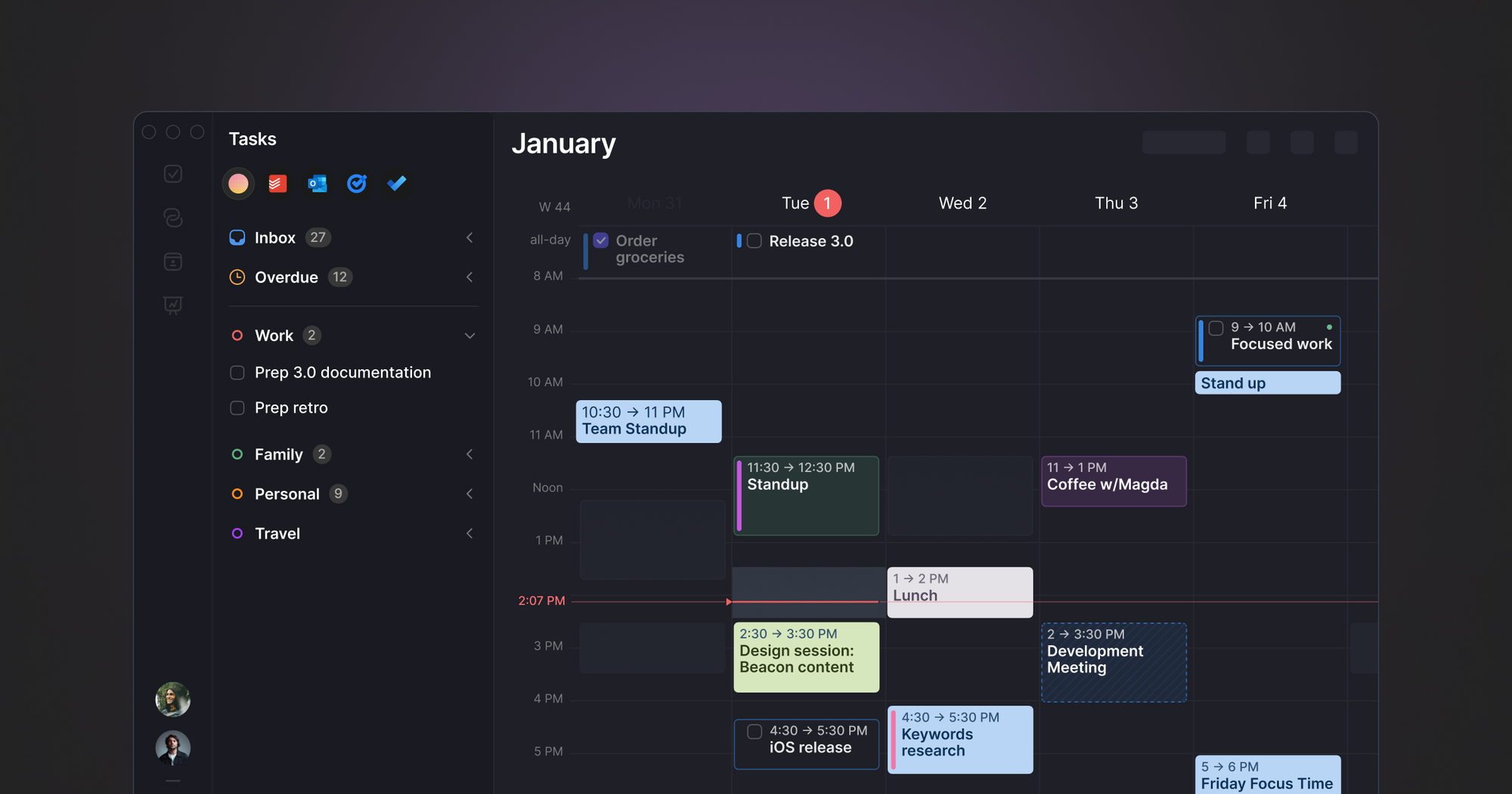
Morgen delivers a unified desktop application for macOS, Windows, and Linux that consolidates multiple calendar accounts with task management. It supports Google Calendar, Microsoft Outlook, iCloud, CalDAV, and Fastmail within a single timeline view.
Our testing confirmed Morgen's strength in desktop calendar consolidation and fast keyboard-driven task dragging. It functions primarily as a desktop control center rather than an autonomous scheduling agent.
Best for: Professionals managing multiple personal and enterprise calendar accounts across desktop operating systems.
Factual pros:
- Unified desktop client supporting Google, Outlook, iCloud, CalDAV, and Fastmail.
- Drag-and-drop task time-blocking directly onto calendar grids.
- Built-in scheduling link generator with custom availability rules.
Factual cons:
- Lacks autonomous conversational scheduling across Slack or WhatsApp.
- Mobile apps offer limited feature set compared to desktop versions.
Verified pricing: Free basic plan; Pro plan at $9/month; Teams plan at $15/user/month (billed annually).
Non-fit scenarios: Teams seeking autonomous AI coworkers to negotiate meetings conversationally on their behalf.
7. Sunsama (Intentional Daily Planning & Time-Block Routing)
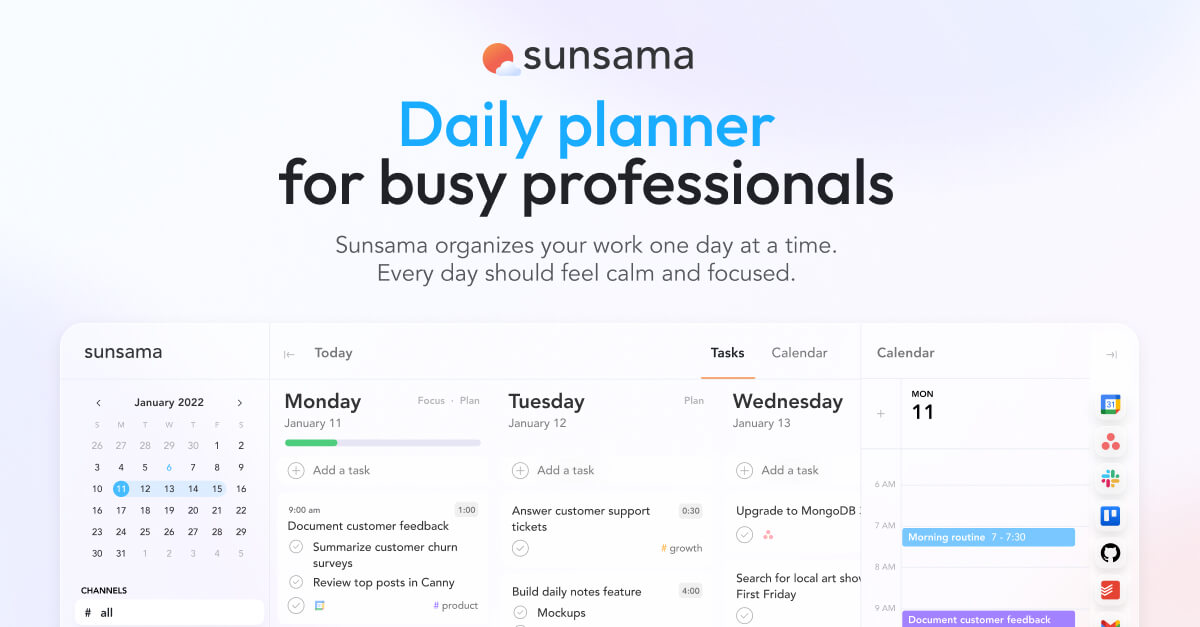
Sunsama emphasizes intentional daily planning and work-life balance through a guided morning ritual. It aggregates tasks from tools like Asana, Trello, Jira, Notion, and email into a single daily queue, encouraging users to set realistic working hour limits.
In our review, Sunsama excelled at guided task organization and preventing over-commitment. However, it relies entirely on manual user planning rather than automated AI schedule adjustments.
Best for: Professionals seeking a structured daily planning routine to manage workload and maintain work-life boundaries.
Factual pros:
- Guided morning and evening planning rituals that enforce daily workload limits.
- Integrates deeply with project managers including Asana, Trello, Jira, and GitHub.
- Clean timeline interface for manual task time-blocking.
Factual cons:
- No automated AI rescheduling engine or algorithmic task placement.
- Higher subscription fee for manual planning focus ($16/month billed annually).
Verified pricing: Starts at $16/month (billed annually) or $20/month (billed monthly). Includes a 14-day free trial.
Non-fit scenarios: Teams wanting automated, hands-off calendar conflict resolution and AI booking.
8. Akiflow (Centralized Universal Inbox to Calendar Blocking)
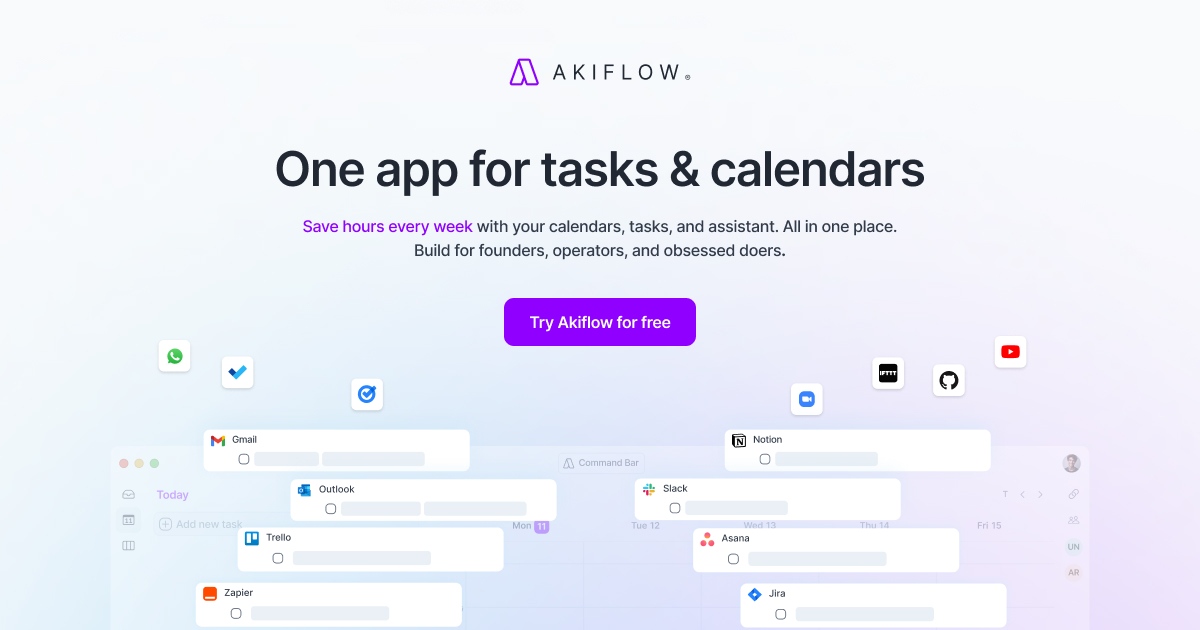
Akiflow serves as a command center that aggregates notifications, emails, and tasks from Slack, Gmail, Notion, Asana, and ClickUp into a universal inbox. Users convert incoming items into calendar tasks using rapid keyboard shortcuts.
Our testing highlighted Akiflow's fast triage capabilities for power users. It requires active manual organization, as it does not negotiate meeting times autonomously.
Best for: Power users wanting a high-speed universal inbox to convert messages into calendar time-blocks.
Factual pros:
- Universal inbox capturing tasks from Slack, Gmail, Notion, and ClickUp.
- Fast keyboard-driven shortcuts for schedule planning and task triage.
- Dual calendar and task list view for rapid time-blocking.
Factual cons:
- Requires continuous manual inbox clearing and task placement.
- Subscription price starts at $19/month billed annually.
Verified pricing: Starts at $19/month (billed annually) or $34/month (billed monthly). Includes a 7-day free trial.
Non-fit scenarios: Users looking for conversational AI digital colleagues that handle booking requests automatically.
9. SkedPal (Algorithmic Time-Map Auto-Scheduling)
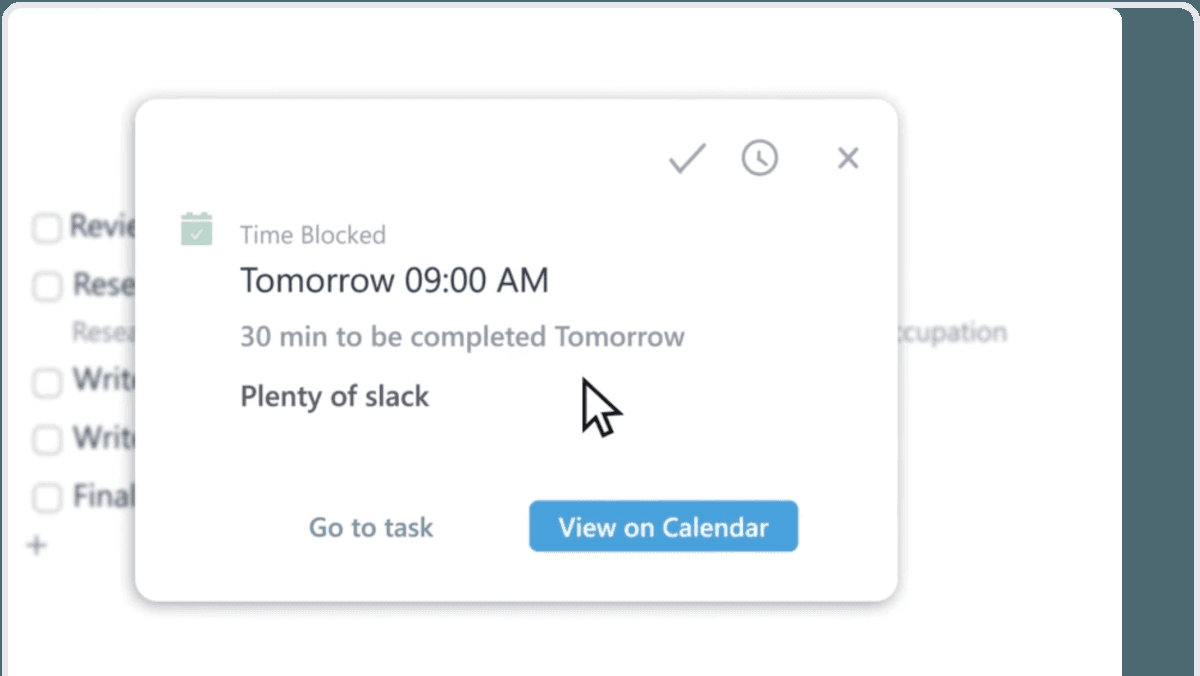
SkedPal uses fuzzy logic algorithms to schedule tasks based on priority, time maps, duration constraints, and task dependencies. Users establish customizable time maps (such as focus hours or admin windows), and SkedPal recalculates the entire schedule with one click when conflicts arise.
In our analysis, SkedPal handled complex task dependencies effectively. However, its interface feels technical and lacks modern conversational features.
Best for: Complex project leads managing non-linear task dependencies and customized time windows.
Factual pros:
- Sophisticated algorithm for scheduling tasks based on time maps and dependencies.
- One-click schedule recalculation when meeting conflicts disturb the plan.
- Detailed time-budgeting across work and personal categories.
Factual cons:
- Steep setup curve for configuring time maps and task relationships.
- Outdated user interface compared to modern productivity suites.
Verified pricing: Starts at $9.95/month (billed annually) or $14.95/month (billed monthly). Includes a 14-day free trial.
Non-fit scenarios: Teams seeking modern visual design, instant booking links, or conversational AI assistance.
Implementation scenarios and technical caveats
Deploying AI calendar software effectively requires matching platform mechanics to your organization's operational scale:
- Executive multi-time-zone coordination: High-growth leaders managing global partners across North America, Europe, and Asia benefit from platforms like Spinnable and Morgen, which dynamically map time zones and protect local working hours.
- Internal focus block preservation: Product and engineering teams running heavy sprint cycles benefit from department-wide engines like Clockwise and Reclaim.ai to block contiguous coding windows.
- High-volume client booking: B2B revenue and operations teams require multi-channel conversational routing via Spinnable to handle incoming inquiries immediately without link fatigue.
- Material caveats and limitations: Dual-calendar sync delays can occasionally create momentary double-booking windows during high-frequency calendar updates. Furthermore, enterprise OAuth scope requests require strict security review to limit calendar access permissions. Edge cases in recurring event logic may also produce misaligned exceptions if series are edited outside the primary platform interface.
Related buyer guides and AI workforce comparisons
To explore broader AI automation frameworks across team operations, review our related analyses:
- 12 Best AI Assistants for Professionals in 2026
- Best AI Executive Assistants in 2026 (Honestly Compared)
- Spinnable vs Lindy: AI Workers vs AI Agents Compared
- Best AI Note-Taking Apps in 2026
Frequently asked questions
How do AI calendar tools differ from traditional booking links like Calendly?
Standard scheduling tools rely on static booking links where invitees select time slots manually. AI calendar tools actively evaluate calendar density, negotiate meeting times conversationally via email, Slack, or WhatsApp, dynamically resolve conflicts, and defend focus blocks without requiring manual link management.
Can AI calendar tools manage multiple personal and work calendars securely?
Yes. Leading AI calendar tools support multi-account overlays and real-time block syncing. Personal events sync to work calendars as confidential busy blocks, ensuring privacy while preventing team members from booking over personal commitments.
How does Spinnable coordinate scheduling across Slack and WhatsApp?
Spinnable deploys autonomous AI digital colleagues directly into team communication channels. When scheduling needs arise, Spinnable checks availability across connected calendars, proposes optimized slots in chat, collects participant preferences, and sends invitations automatically once confirmed.
Will AI calendar software automatically resolve overlapping meeting conflicts?
Advanced AI scheduling software evaluates event priorities, participant roles, and meeting flexibility tags. When priority conflicts occur, the software can automatically reschedule flexible internal syncs or propose alternative times to attendees to restore calendar clarity.
What security standards should enterprise teams verify before deploying AI scheduling?
Enterprise teams should ensure software complies with GDPR standards, offers role-based access control, supports OAuth authentication, and maintains active compliance audits such as SOC 2 Type II certification to safeguard calendar data.
Ready to upgrade your calendar operations with Spinnable?
Stop spending hours negotiating meeting times and managing calendar clutter manually. Experience how Spinnable role-based AI digital colleagues seamlessly coordinate schedules, manage tasks, and streamline team operations across all your communication channels. Get started with Spinnable today with a 15-day free trial.