
Spinnable pricing and trial details were rechecked against its public first-party pricing page in September 2026.
Decision TL;DR: Quick recommendations by workflow demand
Decision TL;DR: Choose ChatGPT or Claude for versatile reasoning and content creation, Motion or Reclaim.ai for automated calendar management and task scheduling, Otter.ai, Fireflies.ai, or Granola for meeting capture, Notion AI for workspace knowledge management, GitHub Copilot for software development, and Lindy for trigger-based administrative automation. Choose Spinnable when you are an individual professional who needs persistent digital colleagues for inbox, calendar, client follow-ups, admin, and multi-app work. Spinnable is not the right choice for ad-hoc text prompting, casual chat, or basic single-document editing without cross-app execution.
12 Best AI Assistants for Professionals: At a Glance
| AI Assistant | Primary Category | Key Capabilities | Starting Price | Best For |
|---|---|---|---|---|
| ChatGPT | General Reasoning & Writing | GPT-4o and o1 reasoning, Canvas workspace, custom GPTs | $20/user/mo | Versatile drafting, code analysis, and multimodal problem solving |
| Claude | Deep Work & Analysis | Claude 3.5 Sonnet, Artifacts interactive sidebar, 200k context window | $20/user/mo | Complex document analysis, nuanced writing, and long-context research |
| Gemini Advanced | Google Workspace Integration | Gemini 1.5 Pro, 1M token context, native sidepanel in Gmail and Docs | $19.99/user/mo | Professionals operating entirely within Google Docs, Gmail, and Meet |
| Motion | Autonomous Scheduling | AI-driven schedule rebalancing, task prioritization, calendar blocking | $19/user/mo | Professionals managing complex project deadlines and shifting calendars |
| Reclaim.ai | Calendar Optimization | Smart habits scheduling, Slack status sync, Google Calendar auto-defend | $8/user/mo | Individuals optimizing habits, focus time, and meeting buffer zones |
| Otter.ai | Meeting Transcription | Live OtterPilot bot, automated action item extraction, slide capture | $10/user/mo | Capturing real-time meeting transcripts and automated team summaries |
| Fireflies.ai | CRM-Connected Meetings | Multi-platform bot integration, topic tracking, CRM field updates | $10/user/mo | Sales and revenue teams needing automated CRM field updates post-call |
| Granola | Bot-Free Local Notes | Local audio capture, user-edited transcript templates, zero bot footprint | $10/user/mo | Executives who want private meeting transcripts without external bots joining |
| Notion AI | Workspace Knowledge | Q&A search across docs, automated page summarization, table autofill | $8/user/mo add-on | Teams seeking Q&A search and synthesis across connected docs and databases |
| GitHub Copilot | Developer Code Completion | IDE inline completion, Copilot Chat, multi-file code context reasoning | $10/user/mo | Software engineers wanting inline code suggestions and PR reviews |
| Lindy | Trigger-Based Automation | No-code event triggers, webhooks, app integrations for email follow-ups | $29/user/mo | Professionals building multi-step trigger-and-action rules for inbox and CRM |
| Spinnable | Persistent Digital Colleagues | Role-based colleagues for inbox, calendar, client follow-ups, admin, and multi-app execution | Starts at $50/month + VAT (15-day free trial) | Solo professionals, freelancers, consultants, and individual knowledge workers using persistent digital colleagues for inbox, calendar, admin, and multi-app work |
General Reasoning and Writing Assistants
1. ChatGPT (OpenAI)

ChatGPT remains the benchmark general-purpose AI assistant for professionals who require on-demand reasoning, drafting, and data analysis. Powered by GPT-4o and OpenAI o1 reasoning models, ChatGPT parses large datasets, drafts structured reports, and generates code snippets. The Canvas interface allows users to collaborate on documents side-by-side with the model, making it effective for iterative writing and editing.
Best fit: Knowledge workers and analysts needing a versatile tool for drafting, coding, and open-ended research.
Pros: Excellent reasoning across diverse subjects, interactive Canvas sidebar for side-by-side document editing, and expansive custom GPT ecosystem.
Cons: Operates reactively and requires human prompts to trigger actions; lacks native calendar and inbox automation out of the box.
Pricing: Free tier available. ChatGPT Plus is $20 per month. ChatGPT Team costs $25 per user per month billed annually or $30 per user per month billed monthly.
When not to choose: Do not select ChatGPT if you require automatic, background scheduling, or unattended inbox follow-ups without manual prompting.
2. Claude (Anthropic)

Claude 3.5 Sonnet by Anthropic is widely recognized as a premier AI assistant for deep work, technical writing, and complex reasoning. Its 200,000-token context window allows professionals to upload long books, codebases, or financial audits for instant analysis. Claude Artifacts feature opens a dedicated workspace window alongside the chat, enabling real-time preview and editing of code, interactive charts, and formatted documents.
Best fit: Researchers, technical writers, and software engineers analyzing dense documents and writing complex logic.
Pros: High literary prose quality, 200k token context window, and real-time interactive previews in Artifacts.
Cons: Lacks direct native calendar or email inbox execution capabilities out of the box.
Pricing: Free tier available. Claude Pro costs $20 per month. Claude Team is $25 per user per month billed annually or $30 per user per month billed monthly with a 5-seat minimum.
When not to choose: Do not choose Claude if your primary need is real-time web browsing automation or direct integration with live video meetings.
3. Gemini Advanced (Google)
For professionals whose daily work revolves around Google Workspace, Gemini Advanced offers native integration across Gmail, Google Docs, Drive, and Meet. Powered by Gemini 1.5 Pro with a 1-million-token context window, it analyzes massive email threads or summarizes months of Google Docs in seconds. Its sidepanel integration in Gmail allows users to draft contextual replies directly inside the inbox interface.
Best fit: Executives and teams heavily invested in the Google Workspace ecosystem.
Pros: Seamless native sidepanel across Gmail and Google Docs, massive 1M token context window, and integrated Google Drive search.
Cons: Deep lock-in to Google services with fewer native features for teams using non-Google productivity suites.
Pricing: Google One AI Premium Plan costs $19.99 per month, which includes Gemini Advanced and Workspace integration.
When not to choose: Avoid Gemini Advanced if your team operates primarily in Microsoft 365, Notion, or custom local markdown environments.
Autonomous Scheduling and Task Planning Assistants
4. Motion
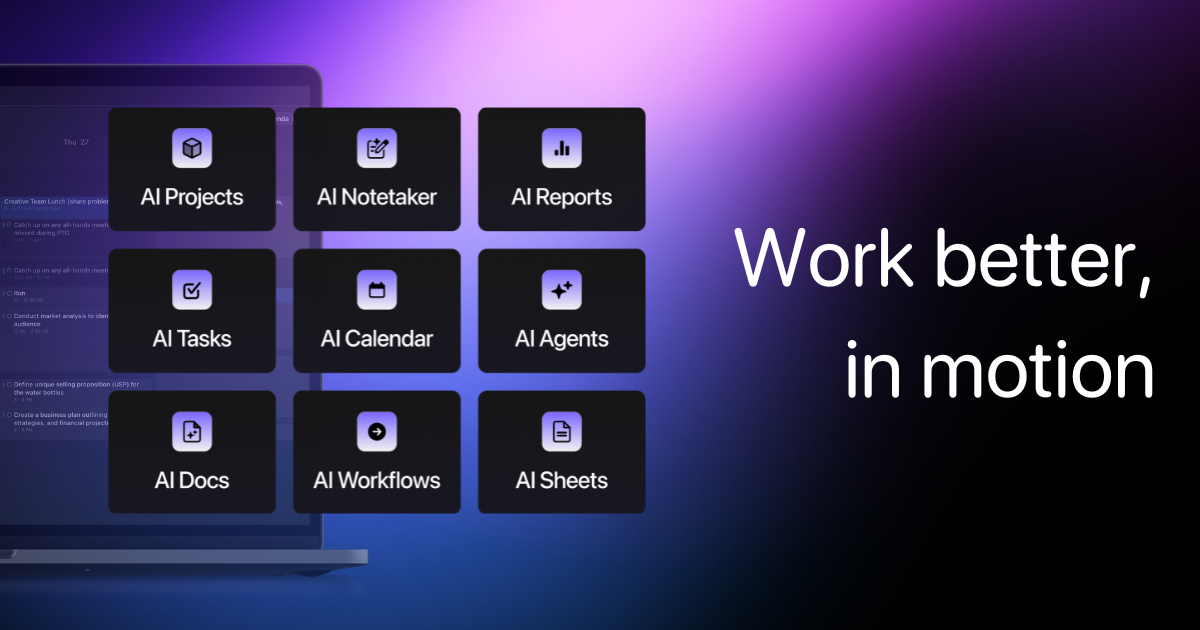
Motion transforms static calendars into dynamic, AI-driven task management hubs. Rather than requiring users to manually block time for tasks, Motion automatically schedules to-do items into open calendar slots based on priority, estimated duration, and hard deadlines. If a meeting runs long or an urgent task arises, Motion automatically reshuffles the remaining day to protect deadline integrity.
Best fit: Project managers, consultants, and busy professionals managing shifting daily schedules.
Pros: Automated task scheduling, dynamic calendar rebalancing when conflicts occur, and consolidated project management views.
Cons: Higher monthly cost compared to basic calendar add-ons; requires total user commitment to inputting tasks into Motion.
Pricing: Individual plan costs $19 per month billed annually or $34 per month billed monthly. Team plan costs $12 per user per month billed annually or $20 per user per month billed monthly.
When not to choose: Do not choose Motion if you only need a simple, manual calendar or basic scheduling link builder.
5. Reclaim.ai
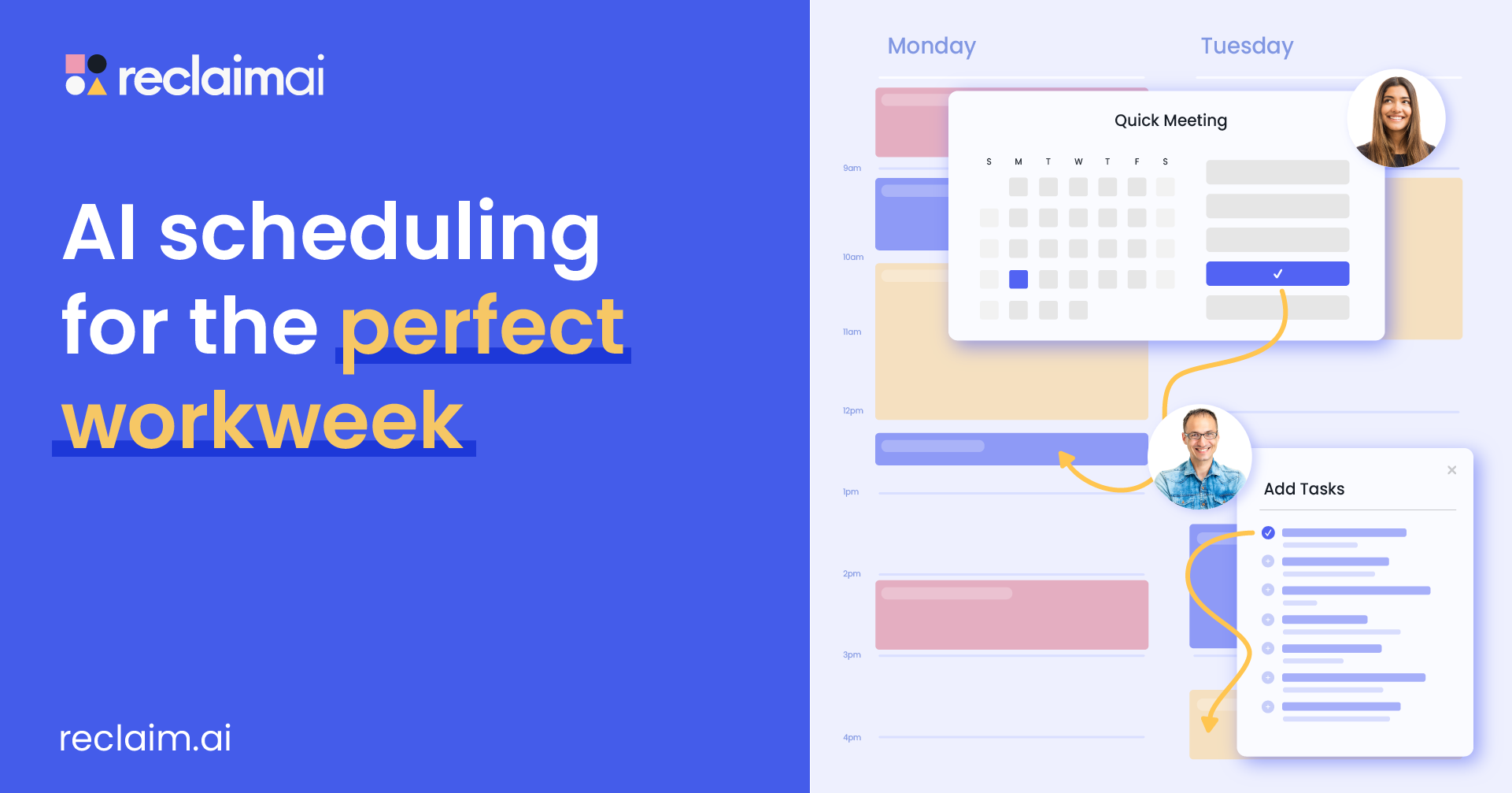
Reclaim.ai focuses on calendar defense and habit optimization for Google Calendar users. It dynamically blocks time for recurring habits, focus work, meal breaks, and travel buffer time. Reclaim smart 1:1 scheduling feature finds optimal meeting times across conflicting executive schedules without back-and-forth emails. It syncs with Slack to update user status automatically when focus time begins.
Best fit: Individual contributors and team leads seeking personal work-life balance and schedule defense.
Pros: Flexible habit protection, automated Slack status updates, and smart 1:1 scheduling links.
Cons: Focused primarily on Google Calendar users with limited support for complex multi-app task workflows.
Pricing: Free tier available. Starter plan is $8 per user per month billed annually or $10 per user per month billed monthly. Business plan is $12 per user per month billed annually or $15 per user per month billed monthly.
When not to choose: Avoid Reclaim.ai if you need full cross-platform project management or deep CRM field updating.
Meeting Capture and Transcription Assistants
6. Otter.ai
Otter.ai is a meeting assistant that joins Zoom, Microsoft Teams, and Google Meet calls to generate real-time transcripts, automated summaries, and key action item lists. Its OtterPilot feature automatically captures shared presentation slides and inserts them into the transcript context. Team members can comment on live transcripts and tag colleagues on specific action items.
Best fit: Internal team meetings, lectures, and collaborative discussions requiring live notes and action items.
Pros: Real-time transcription, automated slide capture during video calls, and collaborative live commenting.
Cons: Requires an external bot to join meeting rooms; sales teams may require deeper CRM integration.
Pricing: Basic free plan available. Pro plan costs $10 per user per month billed annually or $16.99 per user per month billed monthly. Business plan costs $20 per user per month billed annually or $30 per user per month billed monthly.
When not to choose: Do not choose Otter.ai if your organization prohibits third-party meeting bots from joining confidential client calls.
7. Fireflies.ai
Fireflies.ai specializes in meeting intelligence and revenue workflow automation. It records, transcribes, and analyzes sales calls across major videoconferencing platforms. Fireflies automatically extracts conversation analytics, such as talk-to-listen ratios, sentiment, and competitor mentions, and logs structured call notes directly into CRMs like HubSpot and Salesforce.
Best fit: Sales organizations, account executives, and revenue teams needing automated CRM logging.
Pros: Deep CRM auto-population, custom conversation intelligence metrics, and robust search filters across call transcripts.
Cons: Setup requires configuring CRM field mapping for optimal automated data entry.
Pricing: Free plan available. Pro plan is $10 per user per month billed annually or $18 per user per month billed monthly. Business plan is $19 per user per month billed annually or $29 per user per month billed monthly.
When not to choose: Do not choose Fireflies.ai if you do not record video meetings or do not maintain a structured CRM database.
8. Granola
Granola provides a bot-free, privacy-focused alternative for meeting note capture. Operating locally on macOS, Granola records meeting audio through your device microphone without sending an AI bot into the video call grid. It combines local speech recognition with customizable AI summary templates, allowing executives to draft polished meeting notes while retaining complete control over transcript edits.
Best fit: Executives, founders, and consultants conducting sensitive client meetings where external meeting bots are unwelcome.
Pros: Zero bot presence in meeting rooms, local audio processing on macOS, and highly customizable summary templates.
Cons: Currently limited to macOS devices and requires manual triggering per meeting.
Pricing: Free tier covers up to 25 meetings. Pro plan costs $10 per month billed annually or $12 per month billed monthly.
When not to choose: Avoid Granola if your team relies on Windows or Android hardware or requires automated cross-team meeting bot scheduling.
Specialized Workspace, Code, and Workflow Assistants
9. Notion AI
Notion AI embeds conversational search and content generation directly inside Notion modular workspace. Its Q&A feature acts as an instant knowledge assistant, searching across team docs, meeting notes, and project databases to answer natural language queries. Notion AI can also auto-fill database properties, summarize lengthy project specifications, and draft status updates.
Best fit: Teams already using Notion as their central knowledge base and documentation hub.
Pros: Instant Q&A search across all connected workspace pages, database property auto-filling, and inline text editing.
Cons: Benefits are constrained strictly to content stored inside Notion workspaces.
Pricing: Costs $8 per user per month as an add-on billed annually, or $10 per user per month billed monthly for all Notion workspace plans.
When not to choose: Do not choose Notion AI if your organization stores documents across fragmented drive folders and non-Notion platforms.
10. GitHub Copilot
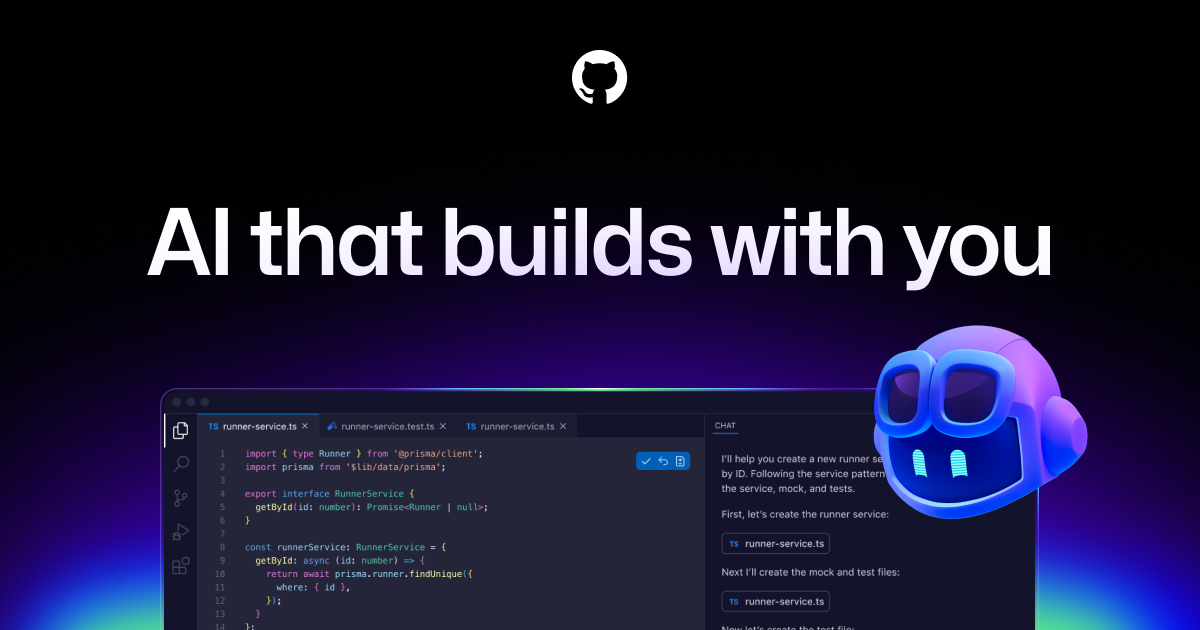
GitHub Copilot is the standard AI coding assistant for software engineers, integrated directly into IDEs like VS Code and JetBrains. Powered by OpenAI models tuned on code, Copilot offers real-time inline code completions, writes unit tests, and explains complex algorithms. Copilot Chat enables developers to ask questions about entire repositories and generate pull request summaries directly in GitHub.
Best fit: Software developers, DevOps engineers, and technical teams writing and reviewing code daily.
Pros: Contextual inline code suggestions, repository-wide reasoning in Copilot Chat, and integration across major IDEs.
Cons: Requires strict human code review to prevent potential logic bugs or security vulnerabilities.
Pricing: Copilot Individual costs $10 per month or $100 per year. Copilot Business costs $19 per user per month. Copilot Enterprise costs $39 per user per month.
When not to choose: Do not choose GitHub Copilot if your primary tasks are non-technical writing, calendar management, or general administrative work.
11. Lindy
Lindy is a trigger-and-action automation assistant designed to handle routine administrative tasks across email, calendar, and web apps. Users can build custom Lindies triggered by incoming emails, calendar events, or webhooks to perform multi-step actions such as triaging support tickets or drafting initial sales outreach. Lindy bridges the gap between basic chatbots and automated workflows.
Best fit: Professionals wanting custom trigger-and-action rules for administrative email and inbox management.
Pros: Flexible no-code trigger builder, wide third-party app integration ecosystem, and automated email drafting.
Cons: Complex multi-branch decision logic can require detailed initial rule setup and ongoing monitoring.
Pricing: Free tier available with monthly credit limits. Pro plan starts at $29 per month billed annually or $49 per month billed monthly.
When not to choose: Do not choose Lindy if you need completely autonomous, self-correcting digital workers that manage complex operational decisions without pre-scripted rules.
12. Spinnable
Spinnable is a role-based AI workforce of persistent digital colleagues. In this guide, it is aimed at individual professionals, freelancers, consultants, and independent knowledge workers who need ongoing help across inbox, calendar, client follow-ups, administrative work, and connected apps. Rather than starting from a fresh prompt for every task, a digital colleague can work in a defined role and carry out approved multi-app work.
Best fit: Solo professionals, freelancers, consultants, and individual knowledge workers who want persistent digital colleagues for inbox, calendar, admin, client follow-ups, and multi-app work.
Pros: Role-based persistent help, cross-app execution for approved tasks, and support for recurring personal admin.
Cons: It is less suitable when you only want a chat response or a one-off document edit.
Pricing: Public pricing starts at $50/month plus applicable VAT, with a 15-day free trial.
When not to choose: Do not choose Spinnable for ad-hoc text prompting, casual chat, or basic single-document editing without cross-app execution.
When a standard AI assistant is not enough: Autonomous execution versus conversational suggestions
While standard AI assistants excel at answering prompts, summarizing notes, and drafting text, they share a fundamental limitation: they remain reactive suggestion engines. A chatbot can draft an email reply, but a human must copy, review, and click send. A meeting assistant can transcribe action items, but a human must create the follow-up tasks.
For an individual professional, the gap appears in recurring personal admin: an inbox follow-up, calendar change, or client task still has to be moved between apps after the suggestion is generated. Persistent digital colleagues can help carry out defined, approved multi-app work rather than stopping at a draft.
Compare tools by the amount of prompting, editing, and cross-app execution your own workflow requires.
Frequently asked questions
What is the difference between an AI chatbot and an AI assistant?
An AI chatbot is primarily designed for conversational text generation and answering prompts within an isolated chat window. An AI assistant integrates with third-party software, such as calendars, email clients, CRMs, or IDEs, to retrieve contextual information and perform tasks directly within professional workflow tools.
Which AI assistant is best for managing emails and daily follow-ups?
For Google Workspace users, Gemini Advanced provides direct inbox drafting inside Gmail. For automated multi-step email triaging and trigger-based follow-ups, Lindy offers custom rule-building. For an individual professional who wants persistent help with inbox follow-ups, calendar coordination, and connected personal admin, Spinnable is a fit when cross-app execution is needed.
How do AI meeting assistants handle data privacy and security?
Enterprise meeting assistants like Otter.ai and Fireflies.ai offer SOC 2 Type II compliance, encryption in transit and at rest, and admin controls over transcript retention. For maximum privacy during sensitive meetings, local tools like Granola capture audio on-device without deploying external cloud bots.
Can AI assistants execute actions in third-party software automatically?
Most standard AI assistants suggest text or actions that require human confirmation and manual transfer. Some connected digital colleagues can carry out approved multi-step actions, such as preparing and sending follow-ups or scheduling calendar changes, with appropriate guardrails.
How much does Spinnable cost?
Spinnable public pricing starts at $50/month plus applicable VAT, with a 15-day free trial.
Upgrade from prompting to autonomous execution with Spinnable
While conventional AI assistants answer prompts and generate text, Spinnable offers persistent digital colleagues for individual admin, client follow-ups, inbox and calendar work, and personal productivity across connected apps. Explore whether it fits your workflow at Spinnable.ai.