
Evaluating AI tools for business in 2026 requires shifting focus from isolated chat windows to measurable operational outcomes. Modern enterprise teams need software that solves core business functions: executing background workflows across channels, summarizing document streams, processing complex data, automating support resolution, and maintaining brand compliance. Selecting the right stack depends on matching specific functional needs against integration depth, security posture, and pricing predictability.
TL;DR: Top AI Tools for Business at a Glance
Selecting AI software for your organization depends on the primary bottleneck you need to clear. Spinnable provides a role-based workforce of persistent digital colleagues operating across Slack, WhatsApp, email, and Microsoft Teams with zero credit meters. Microsoft 365 Copilot excels for teams embedded in Office applications, while Perplexity Enterprise Pro leads for citation-backed web and internal research. For specialized departmental needs, Julius AI handles natural-language analytics, Intercom Fin automates customer support, Gong provides sales revenue intelligence, and Jasper enforces enterprise brand governance across marketing content.
| Platform | Core Category | Primary Business Outcome | Starting Pricing | Distinct Edge |
|---|---|---|---|---|
| Spinnable | Persistent AI Workers | Multi-channel role execution across Slack, email, WhatsApp, and Teams | $50/month (+ VAT) flat for 2 active workers | Persistent digital colleagues with flat monthly pricing and human approval controls |
| Microsoft 365 Copilot | Workplace Productivity | Document drafting, inbox triage, and Teams meeting synthesis | $30/user/month (annual commitment) | Native deep integration across Office 365 enterprise environment |
| Perplexity Enterprise Pro | Research & Knowledge | Real-time web research and internal knowledge synthesis | $40/user/month | Citation-backed answer synthesis with enterprise data retention controls |
| Julius AI | Analytics & Data | Natural-language data analysis, Python modeling, and charting | $20/month (Basic); $37.50/user/mo (Team) | Generates executable code to analyze spreadsheets and databases directly |
| Intercom Fin | Customer Support | Autonomous ticket resolution and support copilot workflows | $0.99 per resolution + base desk tier | Resolves complex support queries autonomously using help desk knowledge bases |
| Gong | Sales Intelligence | Conversation analytics, call summarization, and pipeline forecasting | Custom quote (typically $1,200+/user/year) | Analyzes interaction streams across calls, emails, and CRM deals |
| Jasper | Content Creation | On-brand marketing campaigns and multi-channel content drafting | $59/seat/month ($69 billed monthly) | Enterprise brand voice rules and marketing campaign workflow templates |
Evaluation methodology and verification date: The platforms selected in this guide were evaluated based on functional autonomy, enterprise security posture, multi-channel channel connectivity, administrative controls, and published pricing schedules. All pricing figures, feature specifications, and compliance disclosures were verified against primary vendor documentation in September 2026.
1. Spinnable: Persistent AI workers for cross-functional operations
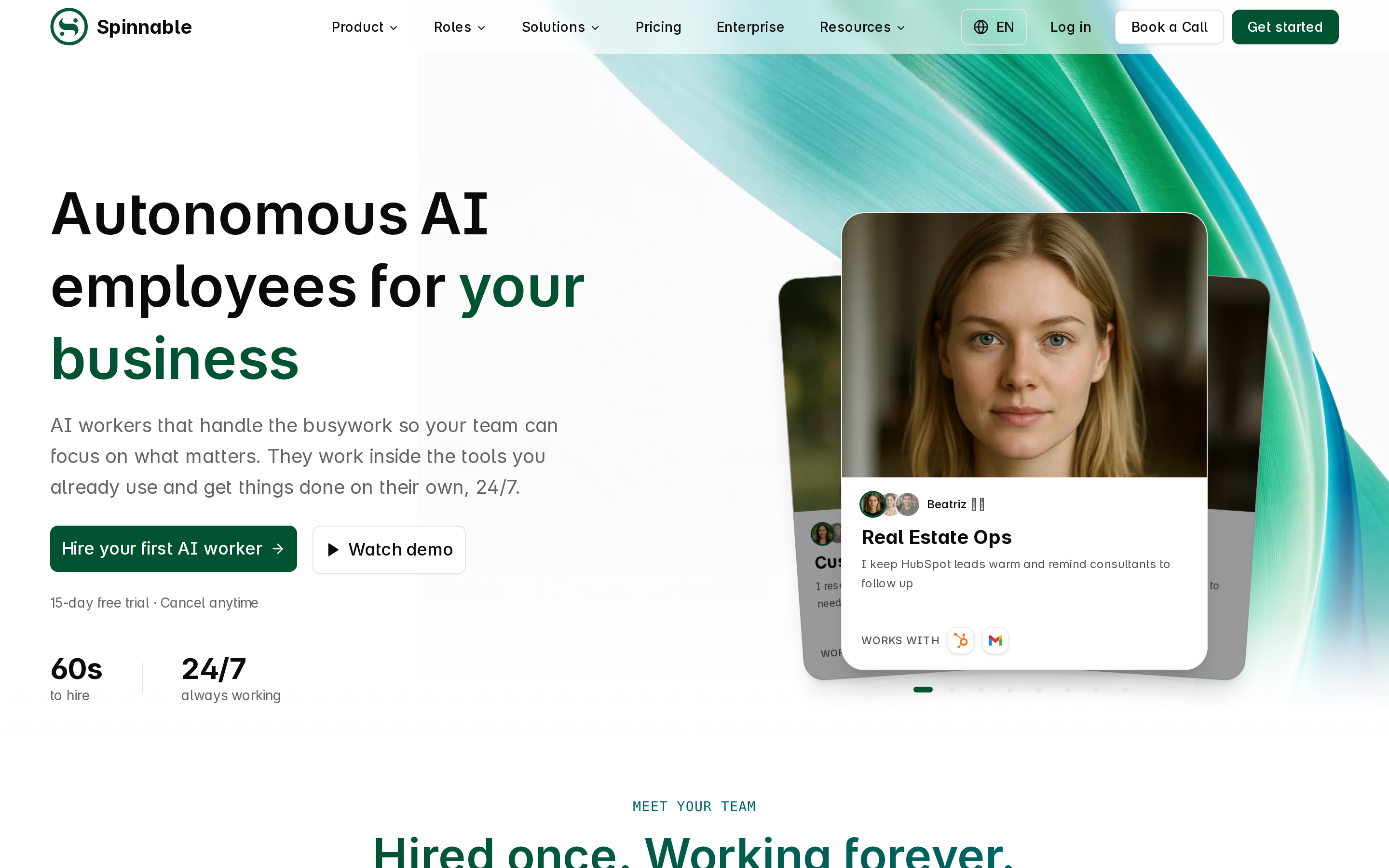
Spinnable provides non-technical teams with a role-based AI workforce of persistent digital colleagues. Rather than acting as a single prompt box or developer API layer, Spinnable workers operate as full team members with designated email addresses, workspace identities, and defined operational boundaries. They monitor incoming communications, execute background operational tasks, and collaborate directly inside communication channels like Slack, WhatsApp, email, and Microsoft Teams. For broader market comparison across digital teammate software, review our guide to best AI employee platforms and our breakdown of what AI workers are.
Best fit: Operations, sales, real estate, and customer support teams seeking autonomous digital colleagues that own recurring job roles without per-action consumption meters.
Important capabilities:
- Role-based digital colleagues that operate continuously with persistent memory across channels
- Native channel connectivity supporting email, WhatsApp, Slack, and Microsoft Teams
- Worker Vault credential isolation ensuring third-party login details remain encrypted and hidden during execution
- Co-Manager supervisory controls with explicit human approval requirements before external actions run
- Fixed monthly subscription tiers with zero credit consumption meters for internal tasks
Pros and cons:
- Pro: Predictable flat monthly subscription pricing removes top-up anxiety and usage overages
- Pro: Non-technical setup allows managers to assign jobs using plain-English instructions and standard tools
- Pro: Multi-channel availability lets digital colleagues interact natively where your team already works
- Con: Requires initial clear job definition and explicit delegation boundaries during setup
- Con: Built for managed operational roles rather than custom code-level developer automation
Pricing: Basic plan starts at $50/month (+ VAT) for 2 active AI workers, 5 recurring background tasks, and 30 external messages per month. Includes a 15-day free trial on standard plans. Enterprise tiers offer custom worker allocations and dedicated onboarding. For detailed cost frameworks, see our guide on AI worker pricing.
When NOT to choose Spinnable: Do not select Spinnable if your primary requirement is building complex custom software developer pipelines from scratch or if you require developer API frameworks instead of managed digital colleagues.
2. Microsoft 365 Copilot: Workplace productivity in the Office ecosystem
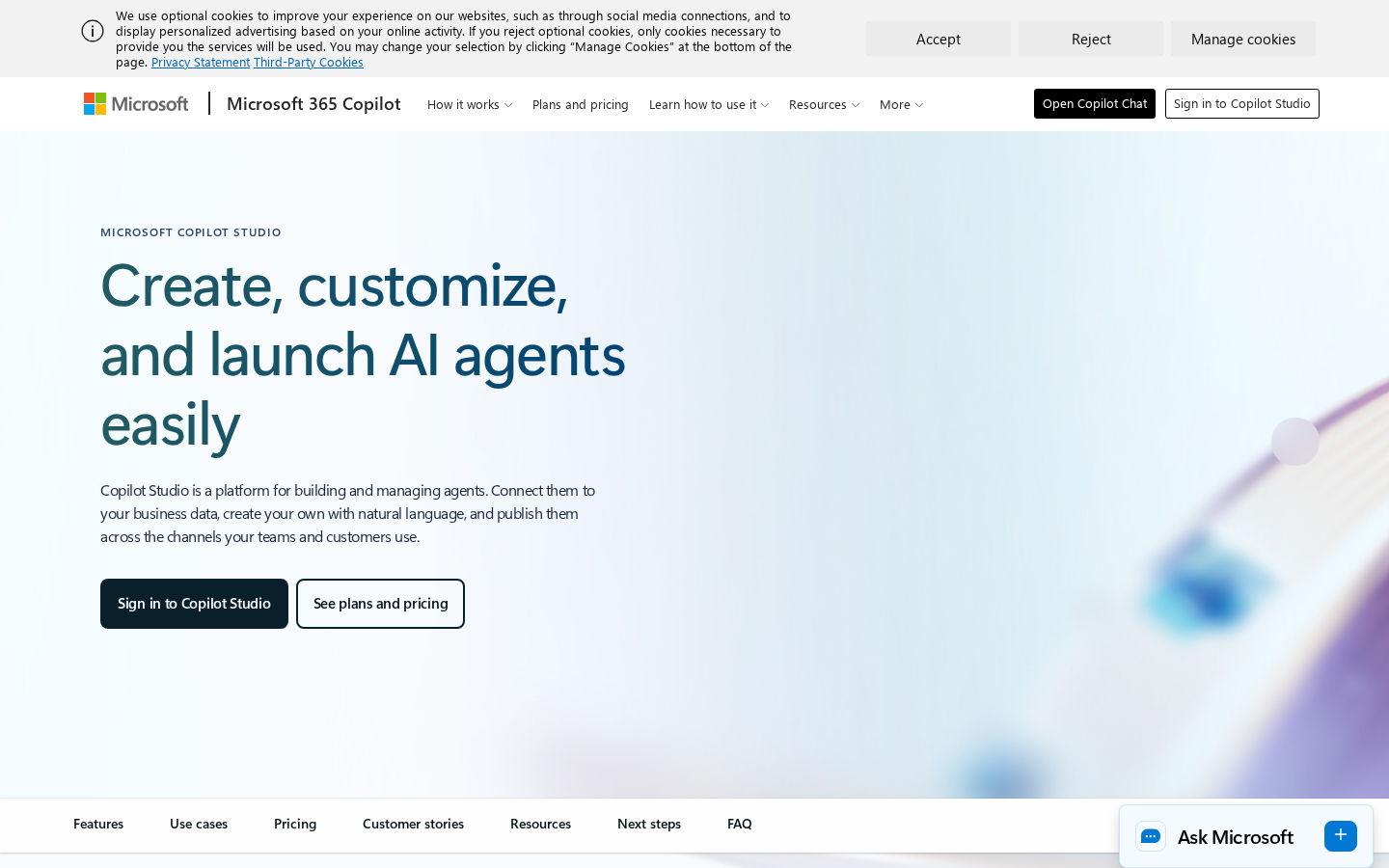
Microsoft 365 Copilot integrates conversational intelligence directly across the Microsoft software environment, including Word, Excel, PowerPoint, Outlook, and Teams. It operates within your tenant security boundary, extracting context from graph data across documents, emails, and meetings. For organizations evaluating specialized assistant categories alongside office suites, see our analysis of best AI agents.
Best fit: Enterprise organizations deeply committed to Microsoft 365 that require inline document generation, email summaries, and meeting catch-ups.
Important capabilities:
- Inline content drafting and editing inside Microsoft Word and PowerPoint
- Automated meeting summarization, action-item tracking, and transcript search in Teams
- Natural-language data analysis and formula generation in Microsoft Excel
- Enterprise data protection bound to existing Microsoft Entra permissions
Pros and cons:
- Pro: Seamless user experience for staff accustomed to Microsoft Office applications
- Pro: Inherits organizational data security, access permissions, and compliance boundaries
- Con: Requires annual user license commitments on top of base enterprise Office subscriptions
- Con: Limited operational autonomy outside Microsoft 365 applications and native connectors
Pricing: $30 per user per month with an annual commitment, required as an add-on to qualifying commercial Microsoft 365 plans.
When NOT to choose Microsoft 365 Copilot: Do not choose Microsoft 365 Copilot if your organization uses Google Workspace or operates primarily through independent messaging tools without Microsoft enterprise licensing.
3. Perplexity Enterprise Pro: Citation-backed research and knowledge synthesis
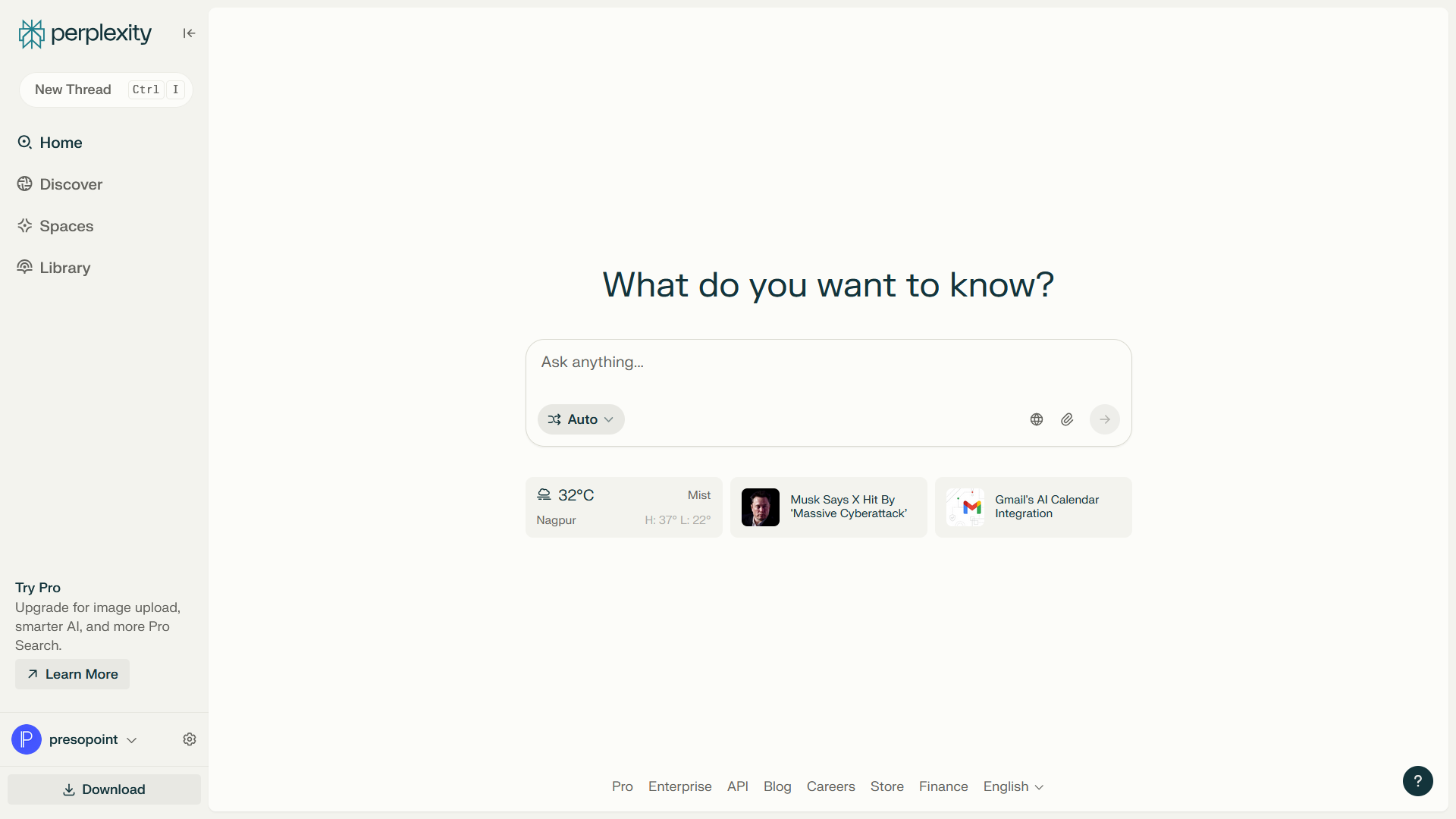
Perplexity Enterprise Pro acts as an AI research assistant designed for corporate information gathering. It combines live web crawling with internal document search, delivering synthesized answers backed by explicit source citations. This prevents unverified hallucination during market research, vendor analysis, and competitive intelligence gathering.
Best fit: Strategy, research, legal, and executive teams requiring rapid, source-verified information lookup across public web data and uploaded files.
Important capabilities:
- Real-time multi-model search combining live web indexing with model reasoning
- Source attribution linking every generated sentence directly to verifiable web links or internal files
- Internal file upload support for parsing PDFs, spreadsheets, and corporate presentations
- Enterprise security controls ensuring query data is never used to train public models
Pros and cons:
- Pro: Fast citation tracking makes research verification clear and reliable
- Pro: Single interface grants access to multiple underlying reasoning models
- Con: Designed for query-and-response research rather than multi-step workflow execution
- Con: Higher per-seat cost compared to basic search tools
Pricing: $40 per user per month or $400 per user annually for Enterprise Pro, which includes SOC 2 certification, single sign-on, and administrative privacy management.
When NOT to choose Perplexity Enterprise Pro: Do not select Perplexity Enterprise Pro if you need a tool to take active operational steps, send client emails, or manage recurring operational workflows.
4. Julius AI: Natural-language data analytics and modeling
Julius AI acts as an automated data analyst capable of reading raw spreadsheets, CSV files, and SQL databases. Instead of requiring complex manual formulas or script writing, users ask questions in natural English. Julius interprets the request, writes executable Python or R code behind the scenes, executes the analysis, and displays interactive charts and statistical summaries.
Best fit: Finance, marketing, and business operations specialists who need to analyze datasets quickly without writing code or building complex pivot tables.
Important capabilities:
- Instant data parsing across Excel files, Google Sheets, CSVs, and database connections
- Automated Python script generation and sandboxed code execution
- Data visualization producing custom charts, regression models, and trend forecasts
- Interactive refinement allowing iterative conversation with your datasets
Pros and cons:
- Pro: Converts complex analytical queries into visual charts in seconds
- Pro: Transparent execution displays the exact Python code used to generate results
- Con: Large, unstructured text files require pre-formatting before analysis
- Con: Usage credit caps on lower tiers can limit extensive data exploration
Pricing: Light plan starts at $20/month; Pro plan costs $45/month. Team plans cost $37.50 per user per month with a minimum requirement of 4 seats ($150/month).
When NOT to choose Julius AI: Avoid Julius AI if your team needs real-time live streaming database monitoring or enterprise business intelligence dashboards that require continuous multi-source data sync.
5. Intercom Fin: Autonomous customer support and resolution
Intercom Fin is an AI support agent engineered to resolve incoming customer inquiries without human intervention. By ingesting public help centers, internal documentation, and support articles, Fin answers support tickets instantly across chat widgets and email channels. When queries exceed its mandate, it transfers context seamlessly to human agents.

Best fit: High-volume customer support teams seeking to reduce ticket backlogs by automating common customer inquiries.
Important capabilities:
- Autonomous support resolution grounded strictly in approved documentation
- Seamless handover to human help desk staff with complete interaction history
- Multi-language support resolving tickets in over 45 languages
- Custom routing rules restricting Fin to specific customer segments or topics
Pros and cons:
- Pro: Per-resolution pricing means you only pay when Fin successfully resolves a ticket
- Pro: Reduces first-response time and support volume for routine support tasks
- Con: Requires well-maintained, up-to-date documentation to avoid inaccurate responses
- Con: Costs scale quickly during unexpected spikes in customer support volume
Pricing: $0.99 per successful resolution, added to base Intercom help desk seat subscription costs ($29 to $139 per seat per month).
When NOT to choose Intercom Fin: Do not select Intercom Fin if you do not use Intercom or if your support requests require manual background system access across custom non-integrated software tools.
6. Gong: Sales intelligence and revenue operations
Gong captures customer interaction streams across web meetings, phone calls, emails, and CRM records. Using AI speech processing and text analysis, Gong analyzes sales conversations to identify deal risks, seller performance trends, and buyer sentiment. It provides revenue teams with clear visibility into pipeline health.
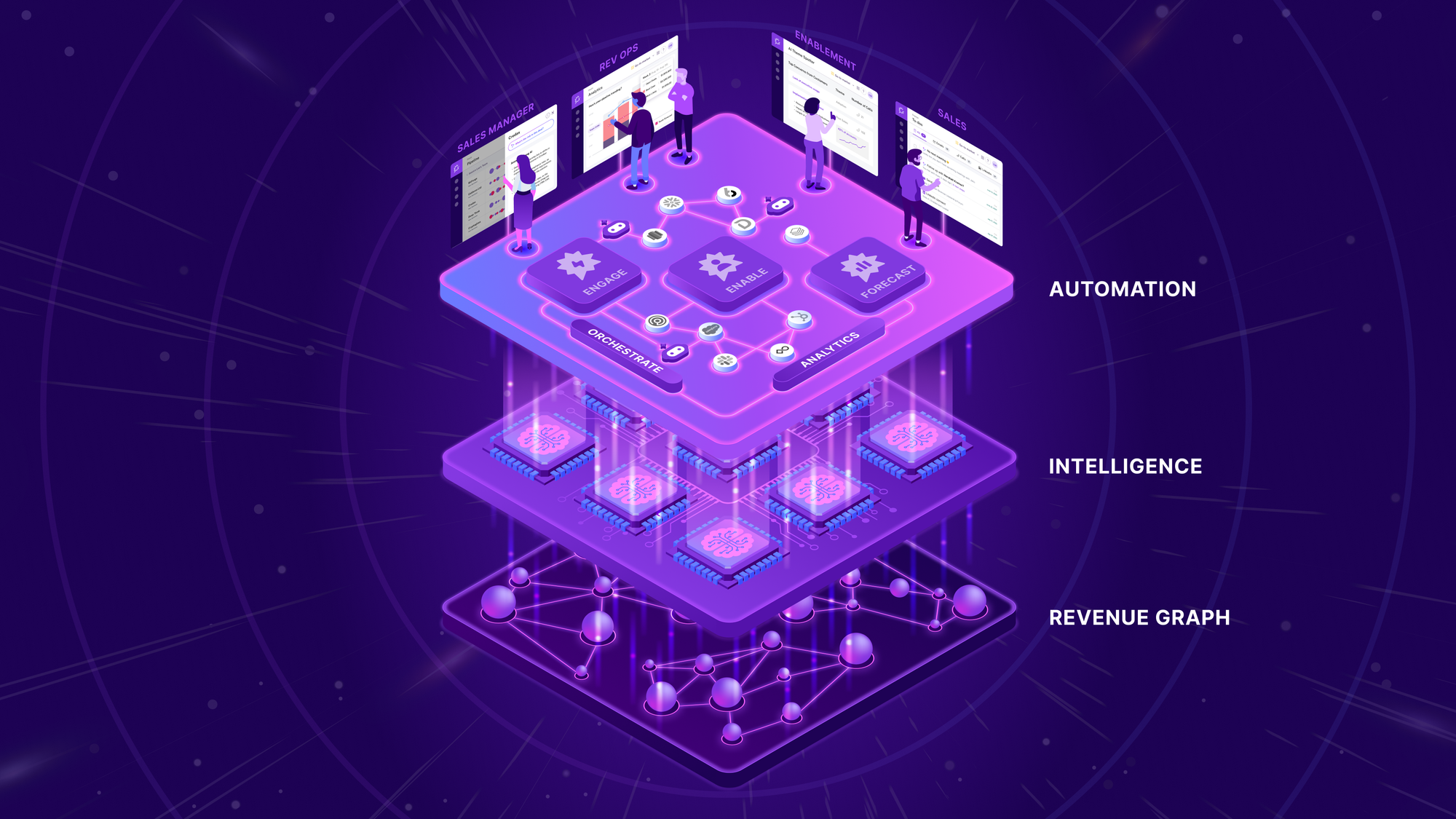
Best fit: B2B sales organizations, revenue operations teams, and sales managers needing deal visibility and team coaching insights.
Important capabilities:
- Automated meeting recording, transcription, and deal summary generation
- Pipeline inspection flagging stalled deals, missing decision-makers, and competitor mentions
- Sales coaching analytics evaluating rep talk ratios and objection handling
- CRM integration automatically logging meeting summaries into Salesforce or HubSpot
Pros and cons:
- Pro: Provides objective conversation analysis and pipeline forecasting data
- Pro: Saves sales representatives hours of manual CRM call logging
- Con: Pricing requires annual enterprise quotes and dedicated setup investment
- Con: May feel overly intrusive to sales reps if managed without clear coaching guidelines
Pricing: Custom enterprise pricing based on team size and platform fees, typically averaging $1,200 to $1,600 per user per year. Requires a custom sales quote.
When NOT to choose Gong: Do not choose Gong if you are a small sales team looking for a simple meeting recorder without needing enterprise revenue intelligence features.
7. Jasper: Content creation and enterprise brand governance
Jasper focuses on marketing copy generation with strict brand governance controls. Built specifically for marketing teams, Jasper stores brand voice guidelines, style guides, and product catalogs to ensure every generated asset matches corporate identity standards across blog posts, social campaigns, and ad copy.
Best fit: Marketing agencies and corporate marketing departments creating large volumes of campaign copy across multiple channels.
Important capabilities:
- Brand Voice memory analyzing existing copy to enforce company style rules
- Campaign management generating multi-channel collateral from a single brief
- SEO content optimization tools integrated directly into the text editor
- Team workspace collaboration with access roles and project folders
Pros and cons:
- Pro: Ensures consistent tone and messaging across distributed marketing teams
- Pro: Pre-built marketing workflows accelerate draft creation for campaign assets
- Con: Requires continuous editorial oversight to refine generated copy
- Con: Significantly higher pricing than general-purpose writing assistants
Pricing: Pro plan starts at $59 per seat per month ($69 billed monthly). Business tier requires custom enterprise quotes.
When NOT to choose Jasper: Avoid Jasper if your primary focus is technical documentation, general business correspondence, or operational task delegation.
How to choose the right AI tool for your business
Selecting AI software requires matching your core operational friction against software capabilities rather than collecting features. Follow these four evaluation steps before finalizing software decisions:
- Identify the primary operational bottleneck: Determine whether your team struggles with continuous task execution, document summarization, data analysis, or customer support backlogs. Choose specialized software targeted at that specific outcome.
- Evaluate pricing mechanics and hidden credit costs: Differentiate between flat monthly subscriptions and credit-metered plans. Credit-based systems can lead to billing surprises during high-volume periods, while flat-rate pricing provides expenditure predictability.
- Verify data security and compliance standards: Confirm that software vendors maintain verified SOC 2 Type II certifications or GDPR compliance aligned with your corporate requirements. Verify that enterprise agreements explicitly prohibit customer data from training public foundation models.
- Assess human control and supervision mechanisms: Look for platforms that support supervisory approval controls. Allowing human oversight before external messages or database updates execute prevents accidental errors while maintaining operational momentum. To review dedicated options in autonomous digital staffing, explore our list of best digital employees.
Frequently asked questions
What is the difference between an AI copilot and an AI worker?
An AI copilot works alongside a human user inside an active application, assisting with immediate tasks like drafting a sentence or summarizing a meeting transcript when requested. An AI worker operates continuously in the background, holding a persistent identity and owning recurring job roles across multiple channels like Slack, email, and WhatsApp without requiring step-by-step human prompts.
How do I know if an AI tool uses credit-based or flat-rate pricing?
Credit-based pricing deducts variable points or tokens for every query, web search, or automated step, making monthly costs depend on usage volume. Flat-rate pricing, such as Spinnable's starting subscription, charges a fixed monthly fee per active worker regardless of internal background tasks executed, providing predictable software budgeting.
Can AI tools for business be integrated with existing CRMs and databases?
Yes. Most commercial AI platforms connect to standard business software through native integrations or API connections. For example, revenue tools like Gong connect to Salesforce and HubSpot, support tools like Intercom Fin sync with help centers, and AI workers like Spinnable connect directly to email servers, CRMs, and messaging channels.
Is my corporate data safe when using commercial AI tools?
Enterprise AI platforms provide data isolation, encryption in transit and at rest, and strict privacy terms ensuring customer data is never used to train public foundation models. Before deploying software, confirm that vendors hold verified SOC 2 or GDPR compliance standards and offer formal Data Processing Agreements.
How fast can a team adopt a new AI tool without technical training?
Adoption timelines depend on software design. Managed platforms and role-based AI workers are designed for non-technical teams, enabling deployment in minutes using natural-language instructions. Software requiring developer integration or custom workflow mapping may take several weeks to set up.
Ready to deploy persistent AI workers into your business operations?
Modern businesses need digital teammates that execute recurring operational roles rather than simple chatbots that require constant prompting. Spinnable provides non-technical teams with persistent digital colleagues operating natively across Slack, WhatsApp, email, and Microsoft Teams with transparent flat-rate pricing and built-in human supervision. Deploy your first AI worker today to streamline operations and empower your team.