
Selecting AI platforms for work in 2026 requires looking beyond basic conversational assistants. Modern prosumer and business workflows demand software that handles specific domain tasks, retains context, and executes actions across software tools. This editorial guide evaluates 10 high-utility AI platforms spanning research, visual design, persistent AI workers, coding, voice synthesis, creator video, sales prospecting, productivity, automation, and document reasoning.
Transparency note: Recommendations in this editorial guide come from verified official technical documentation, vendor specifications, public video demonstrations, and structural workflow analysis. We do not claim undocumented personal hands-on testing, software purchases, or unverified benchmark studies.
Editorial disclosure: Spinnable is included in this evaluation at position #4. While Spinnable is our product, this review applies the same evidence-backed criteria across all platforms, detailing specific trade-offs and non-fit scenarios for every entry.
Evaluation methodology: Platforms are evaluated across five operational dimensions: workflow integration, governance and controlled access, task persistence, pricing transparency, and domain specialization. Source verification relies on primary official documentation and pricing pages as of August 2026.
TL;DR
Single-purpose AI tools excel at distinct tasks like code generation, voice cloning, or quick web research. However, teams managing continuous background workflows often encounter friction when coordinating separate single-prompt tools. Platforms fall into two main operational categories: single-turn assistants that respond to manual inputs, and persistent AI workers that execute role-based tasks across software systems. For real-time web research, Perplexity delivers cited information. For developer tasks, Cursor provides repository-aware code generation. For teams needing continuous execution across business systems, Spinnable is best for persistent role-based AI workers that carry out ongoing, cross-channel business work with human oversight.
At a glance: Comparing 10 top AI platforms for work
| Rank & Platform | Primary domain | Best for | Starting price | Persistence model |
|---|---|---|---|---|
| 1. Perplexity AI | Research | Real-time web search and cited information discovery | Free tier / $20 per month Pro | Single-turn research queries |
| 2. Midjourney | Visual design | Generating high-fidelity photorealistic visual assets | $10 per month Basic | On-demand asset generation |
| 3. Cursor | Coding | Repository-aware software code editing and debugging | Free tier / $20 per month Pro | Session-based developer workspace |
| 4. Spinnable | AI workers | Persistent role-based background work with oversight | Custom team tier pricing | Continuous role-based execution |
| 5. ElevenLabs | Voice synthesis | Generating natural voice tracks and audio localization | Free tier / $5 per month Starter | On-demand audio synthesis |
| 6. Runway | Creator video | Generative video production and motion editing | Free tier / $12 per month Standard | On-demand video rendering |
| 7. Artisan | Sales prospecting | Automating B2B outbound prospect research and outreach | Custom annual sales tiers | Automated outbound campaigns |
| 8. Notion AI | Productivity | Querying internal workspace docs and notes | $8 per user per month add-on | Workspace document integration |
| 9. Zapier AI | Automation | Building linear cross-app triggers and light bots | Free tier / $19.99 per month | Event-triggered app actions |
| 10. Anthropic Claude | Reasoning | Complex document analysis and long-form writing | Free tier / $20 per month Pro | Single-turn conversational context |
Key takeaways
- Platform category differentiation: Modern AI software spans single-turn conversational assistants, task-specific creative or coding tools, and persistent background workers that execute multi-step routines.
- Best-fit selection: Choosing the right platform depends on whether your team needs quick web research, content generation, code editing, or continuous cross-channel task execution.
- Spinnable use case: Spinnable is best suited for persistent role-based AI workers that carry out ongoing, cross-channel business work with human oversight across connected operational software.
- Human review and access controls: Enterprise deployments require role-based permission boundaries, scoped data access, and mandatory human sign-off checkpoints before executing critical actions.
- Specialist and general assistant scenarios: Teams focused solely on single-turn research, quick copy generation, or ad-hoc document Q&A are better served by general assistants like Claude or specialist tools like Perplexity.
1. Perplexity AI: Research and query verification
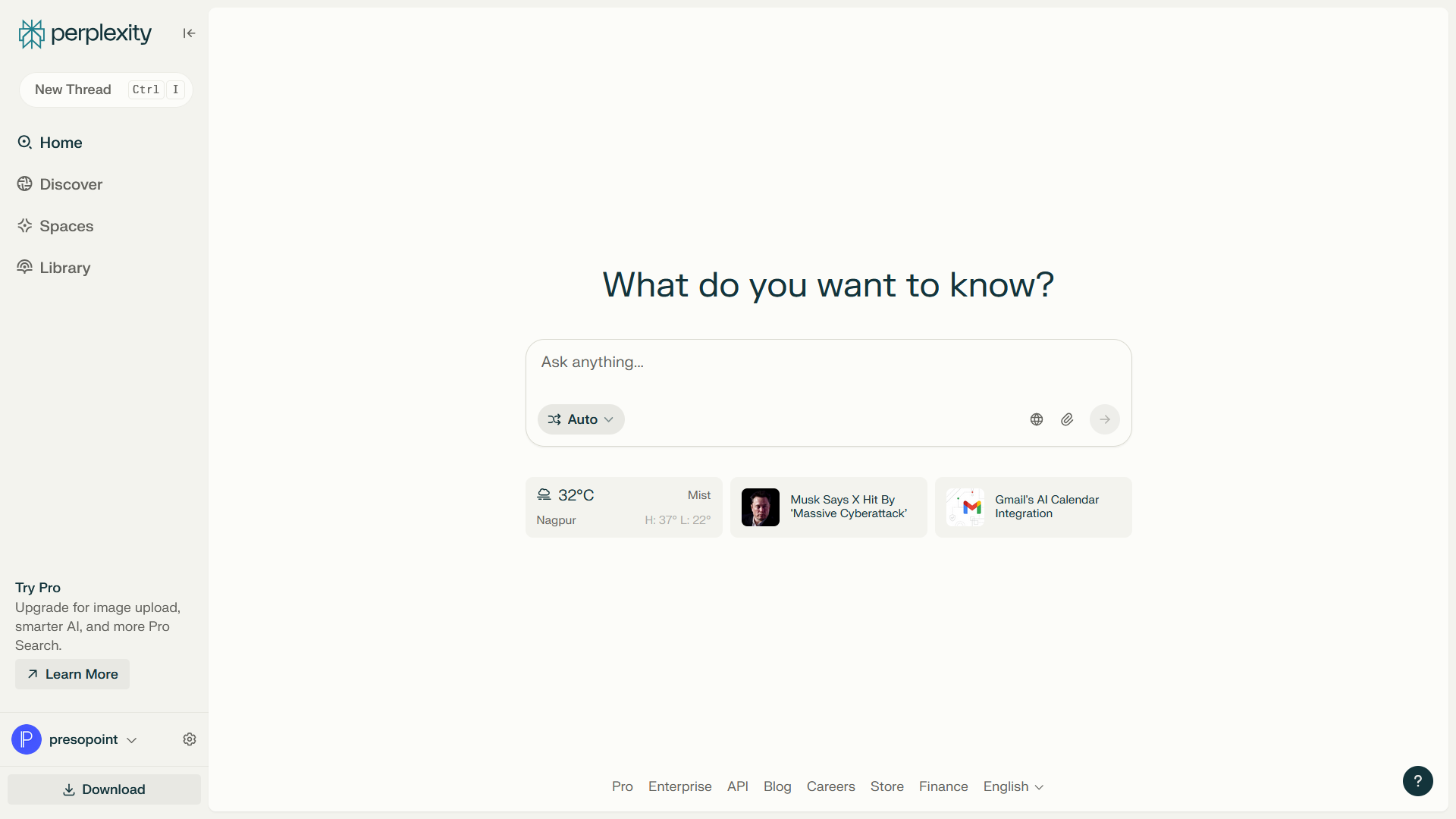
Perplexity AI functions as a direct answer engine that combines web retrieval with large language models. Instead of returning a list of search links, it synthesizes current web data into structured answers with explicit inline citations. Pro users gain access to model switching across OpenAI, Anthropic, and open models, alongside file upload analysis for document-specific queries.
The platform fits research workflows where source verification matters. By presenting citations directly alongside output sentences, users can verify claims against original web sources immediately. However, Perplexity is built for query-and-response interactions rather than autonomous multi-step execution. It does not perform tasks in background external applications after a query completes.
Editorial verdict: Perplexity is an essential research tool for finding cited information quickly, though it remains a manual query engine rather than an action-executing worker.
Best for: Analysts, researchers, and writers who require up-to-date web research with clear inline citations.
Pros and cons
- Inline source citations enable fast facts verification.
- Pro plan allows switching between top underlying AI models.
- Pro Search parses complex multi-step queries systematically.
- Output quality depends on current web source reliability.
- Does not execute tasks across external software systems.
Pricing: Perplexity provides a free tier with basic search capabilities. Perplexity Pro costs $20 per month or $200 per year, providing expanded Pro Search queries, model selection, and document upload capabilities.
Official evidence: Verified via Perplexity AI official product site and Perplexity Pro pricing page.
2. Midjourney: Visual design and image generation

Midjourney is an image generation platform recognized for high visual fidelity, stylistic range, and detail control. Users generate images by entering text prompts and parameter flags via Discord or Midjourney's dedicated web interface. The platform supports reference images, style matching, region repainting, and aspect ratio controls.
For designers and content creators, Midjourney generates marketing concepts, web assets, and visual storyboards rapidly. However, operating Midjourney requires learning specific prompting syntax and parameter rules. It operates exclusively as a raster visual generation engine, meaning it does not export layered vector files or handle text editing within images cleanly.
Editorial verdict: Midjourney leads in raster visual quality for creative assets, but lacks native background workflow integration or vector editing capabilities.
Best for: Digital creators, art directors, and marketers who need photorealistic images and creative asset generation.
Pros and cons
- High image quality across photorealistic and artistic styles.
- Web interface provides visual controls alongside traditional prompt parameters.
- Inpainting and outpainting tools allow precise image adjustments.
- No native API for direct workflow automation without third-party integrations.
- Text rendering inside images can require manual editing in external design software.
Pricing: Midjourney operates on subscription tiers: Basic Plan at $10 per month, Standard Plan at $30 per month, Pro Plan at $60 per month, and Mega Plan at $120 per month (with annual discount options available).
Official evidence: Verified via Midjourney official website and Midjourney documentation.
3. Cursor: AI-native code editor for software development
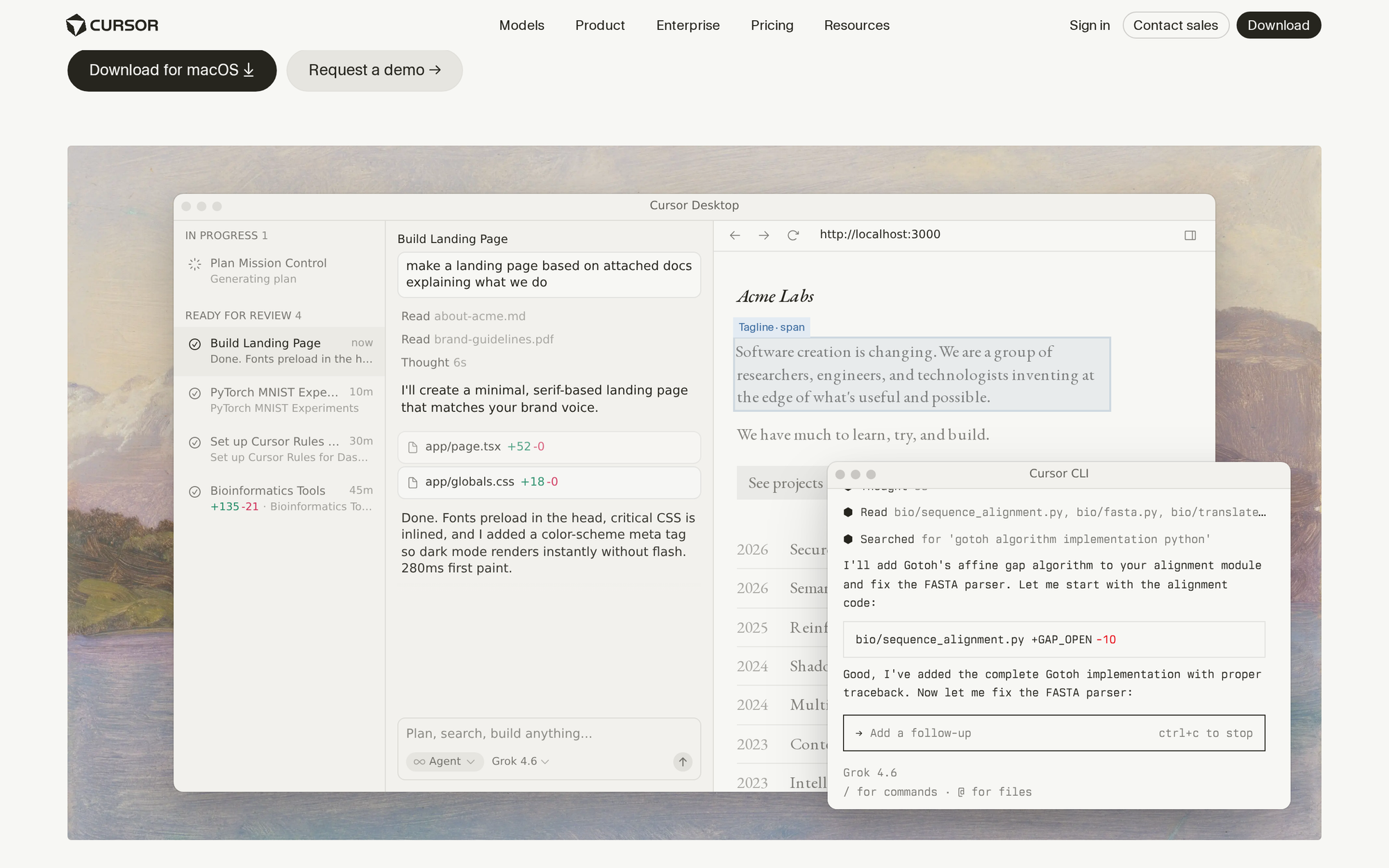
Cursor is an AI-first code editor built as a fork of Visual Studio Code. It integrates language model capabilities directly into the software development environment. By indexing local code repositories, Cursor provides context-aware code completion, multi-file code refactoring, and terminal command error resolution.
Developers can edit code across multiple files simultaneously using natural language instructions. The editor references the entire codebase to ensure variables, functions, and imports match existing project conventions. Because Cursor is specialized for software engineering, non-technical team members will find the IDE interface complex for general business tasks.
Editorial verdict: Cursor is an exceptional AI tool for software engineering, delivering context-aware repository editing directly inside the developer workspace.
Best for: Software engineers and technical founders building applications who want deep repository indexing and multi-file AI editing.
Pros and cons
- Indexes local repositories for contextual code completions and refactoring.
- Edits across multiple files simultaneously based on natural language directions.
- Full compatibility with Visual Studio Code extensions and themes.
- Specialized strictly for coding environments, not general business workflows.
- Requires familiarity with software development practices and local IDEs.
Pricing: Cursor provides a free Hobby plan with limited query usage. The Pro plan costs $20 per month for expanded fast requests, and the Business plan costs $40 per user per month with centralized team admin controls and privacy guarantees.
Official evidence: Verified via Cursor official website and Cursor pricing documentation.
4. Spinnable: Persistent role-based AI workers
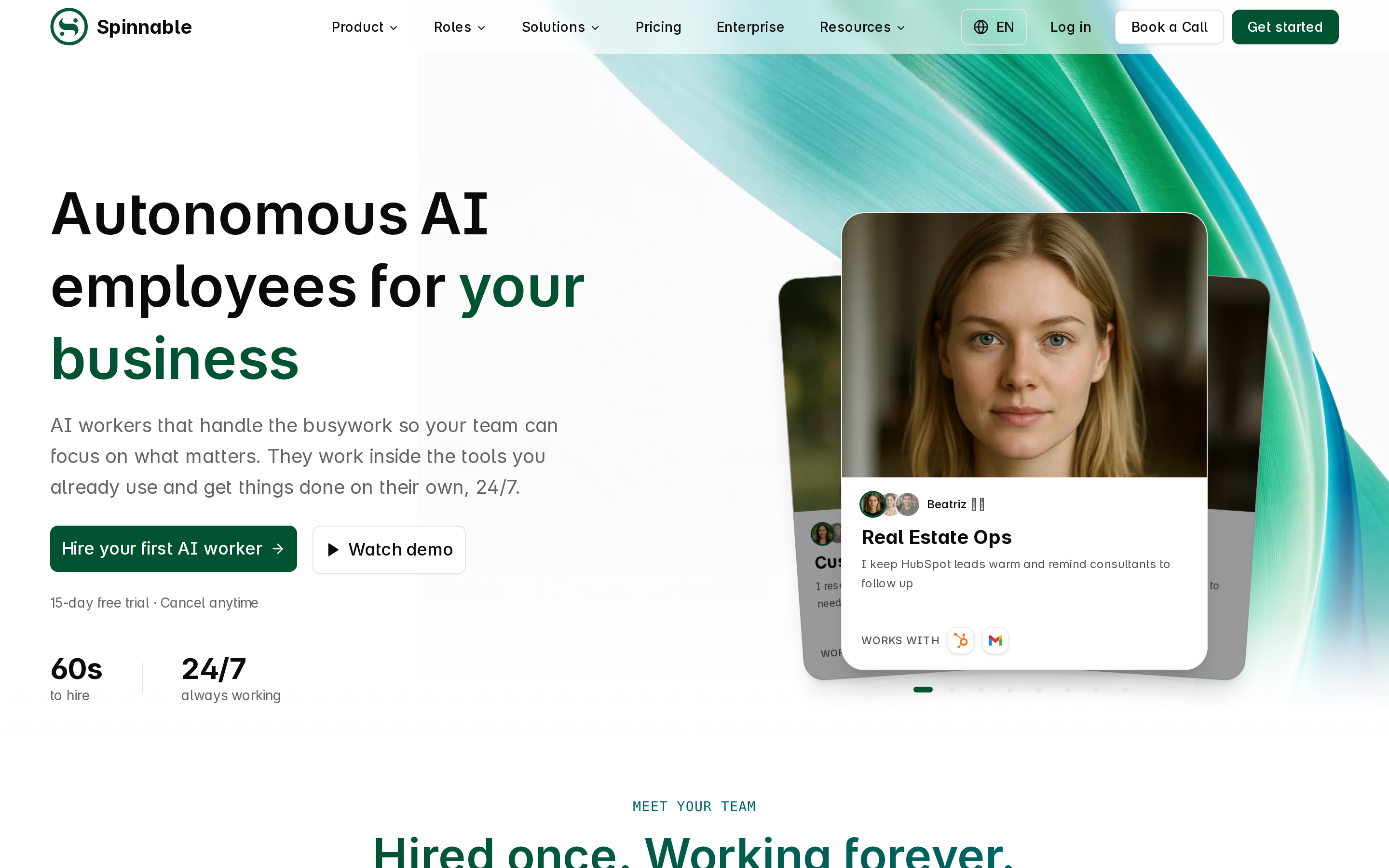
Spinnable represents an architectural shift from manual single-prompt AI assistants to persistent role-based AI workers. While standard AI tools wait for a user to type a request, Spinnable operates as a continuous digital worker assigned to ongoing operational roles. It connects across communication channels including email, Slack, web interfaces, and custom software APIs.
A core foundation of Spinnable is context retention and evolving organizational memory. As a worker completes tasks over time, it retains procedural knowledge, team guidelines, and operational history without requiring users to repeat background instructions in every message. This enables Spinnable workers to monitor channels, process inbound requests, coordinate updates, and execute multi-step routines across tools independently.
To ensure security and governance in business environments, Spinnable incorporates controlled access boundaries and human oversight controls. Organizations define precise permissions for what data a worker can view and what actions it can execute. Critical external actions, such as sending external customer communications or updating key records, can require explicit human approval steps before completion.
Editorial verdict: Spinnable is a strong persistent worker platform for teams ready to automate ongoing multi-step roles with clear permission controls and human oversight.
Best for: Business teams, operations leaders, and sales organizations that need continuous background task execution across software systems without single-turn prompt management.
Pros and cons
- Persistent role-based worker execution operates continuously across channels.
- Evolving organizational memory preserves context and procedural rules over time.
- Granular access controls and human oversight checkpoints safeguard critical actions.
- Cross-channel connectivity integrates email, Slack, web tools, and custom APIs.
- Requires initial setup to define worker roles, permissions, and oversight rules.
- Not designed for quick single-turn media creation like image or video rendering.
Pricing: Spinnable uses custom team and enterprise pricing based on active worker volume, channel connections, and organizational governance requirements.
Official evidence: Verified via Spinnable official platform documentation.
5. ElevenLabs: Generative voice and speech synthesis
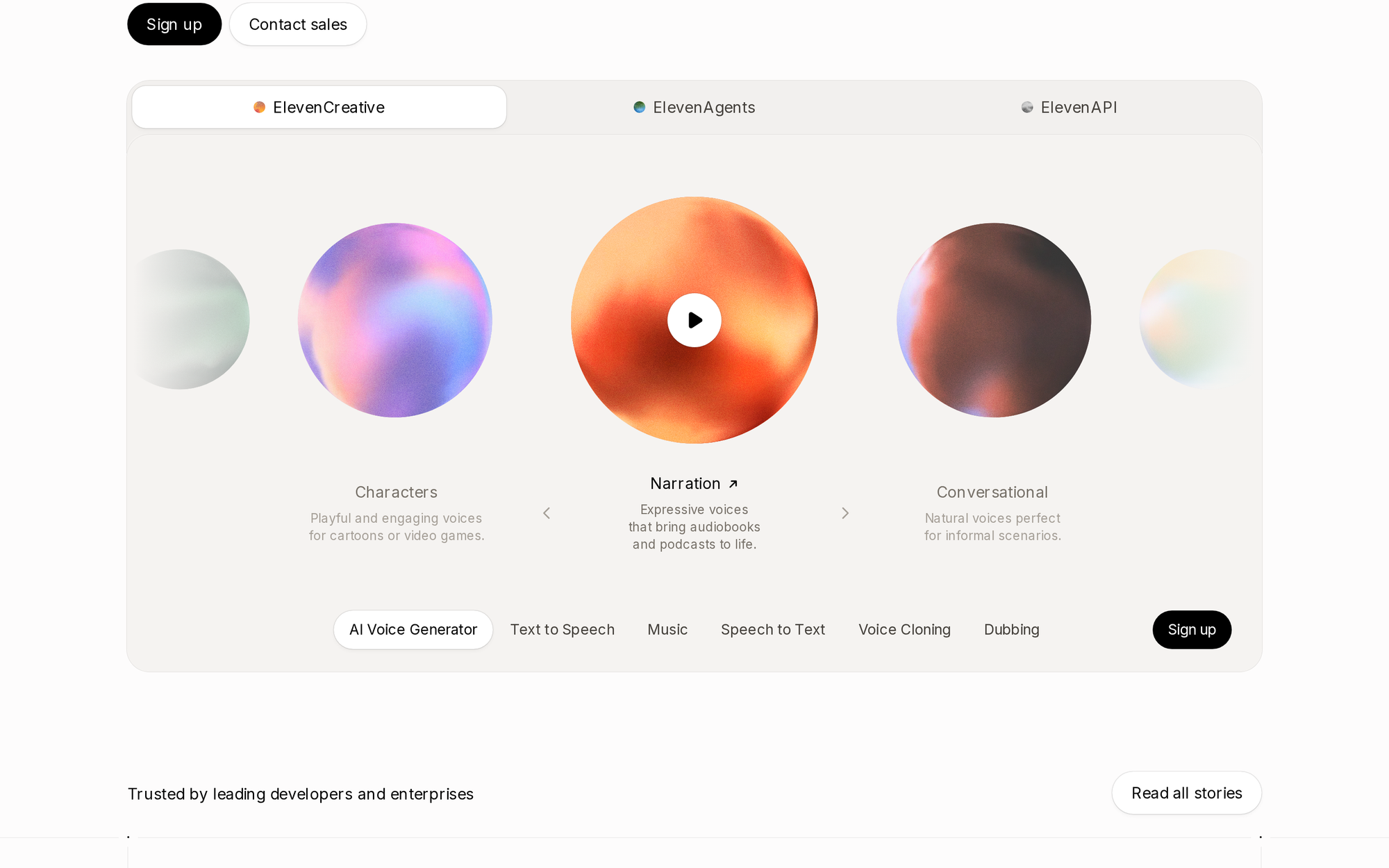
ElevenLabs provides synthetic voice generation, audio cloning, and speech-to-speech translation. Using deep learning models trained on audio dynamics, it converts text into spoken audio with natural cadence, inflection, and emotional nuance. The platform supports over 20 languages and includes tools for voice localization and dubbing.
Creators and media production teams use ElevenLabs for voiceover work, audiobook narration, and localized video content. Developers also integrate the ElevenLabs low-latency voice API into conversational applications. The primary trade-off involves usage-based character billing, which can scale up during heavy audio rendering projects.
Editorial verdict: ElevenLabs sets the quality bar for synthetic voice generation, serving as a dedicated audio engine for media and API integrations.
Best for: Content creators, game developers, podcasters, and media teams needing realistic voiceovers and speech synthesis.
Pros and cons
- Natural voice synthesis with controllable cadence, inflection, and emotion.
- Professional voice cloning creates accurate digital voice models from short audio samples.
- Multilingual speech synthesis supports international content localization.
- Subscription tiers rely on character counts, which consume quickly on long audio files.
- Focused exclusively on voice and audio generation without text reasoning tools.
Pricing: ElevenLabs provides a free tier with 10,000 characters per month. Paid tiers include Starter at $5 per month, Creator at $22 per month, Pro at $99 per month, and Scale at $330 per month.
Official evidence: Verified via ElevenLabs official product site and ElevenLabs pricing page.
6. Runway: Generative video production and creative tools
Runway specializes in AI-powered video generation and visual media editing. Its model suite enables text-to-video generation, image-to-video animation, camera motion control, and frame-by-frame video editing. Creators use Runway to generate video clips, visual effects, and cinematic concept video directly from textual descriptions.
The platform includes video editing tools such as background removal, motion tracking, and style transfer. Generating video clips consumes platform credits, and output lengths per generation typically range between 5 and 10 seconds. Production teams combine multiple generated clips in video editing software for complete projects.
Editorial verdict: Runway is a leading creative video engine for short generative clips, though video credit costs require deliberate usage planning.
Best for: Video editors, creative directors, and digital marketers producing short-form video assets and cinematic visual effects.
Pros and cons
- Generates high-fidelity video clips from text prompts or reference images.
- Camera controls and motion brushes allow deliberate shot direction.
- Web video editing tools simplify background removal and motion tracking.
- Generation credits consume rapidly during video iteration.
- Video generation lengths remain limited to short clip durations per render.
Pricing: Runway provides a free tier with 125 one-time credits. Paid subscriptions include Standard at $12 per user per month (billed annually at $144) or $15 monthly, Pro at $28 per user per month (billed annually) or $35 monthly, and Unlimited at $76 per user per month (billed annually) or $95 monthly.
Official evidence: Verified via Runway official site and Runway pricing page.
7. Artisan: Autonomous sales prospecting and outbound SDRs
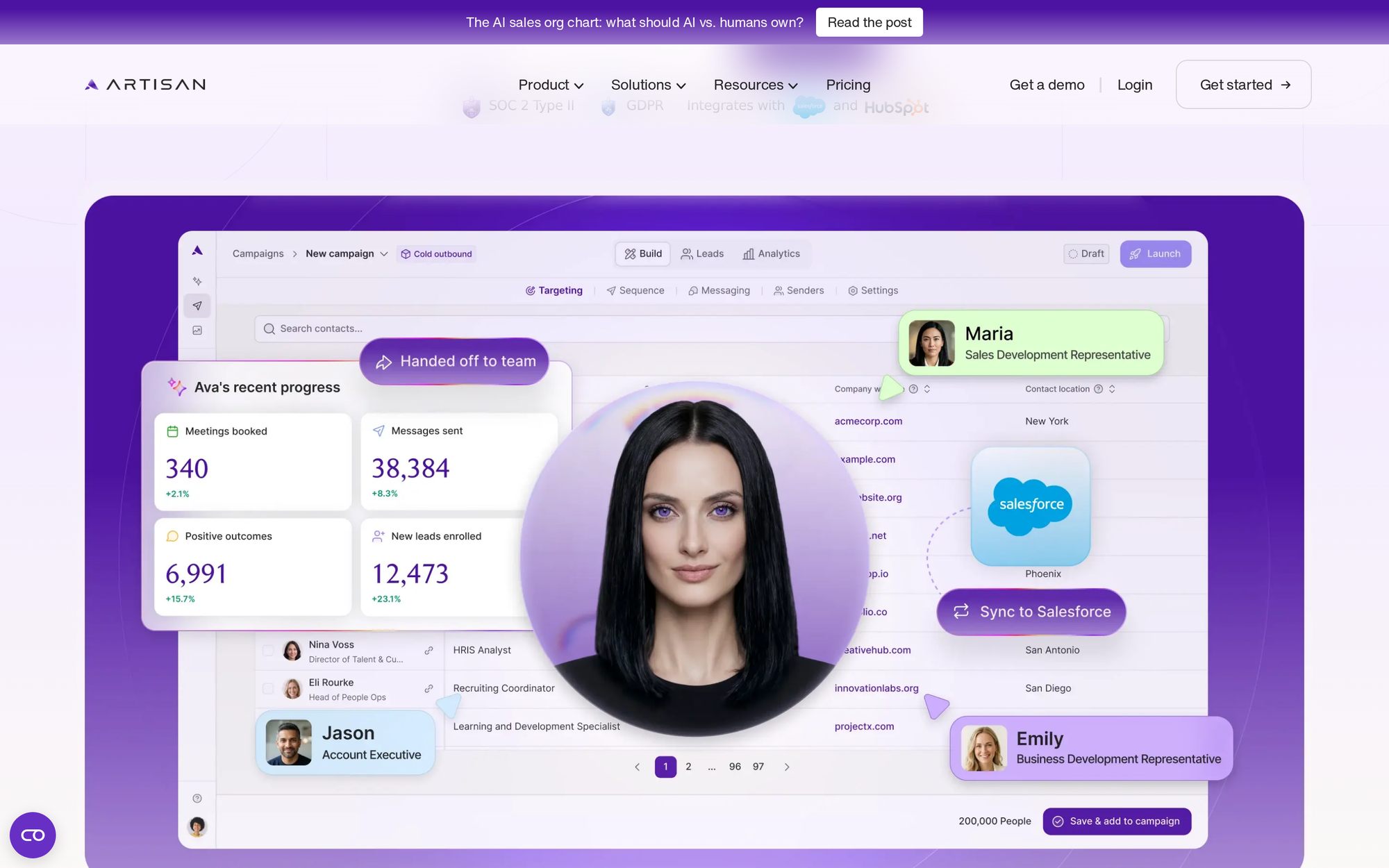
Artisan provides autonomous AI sales SDRs, centered around its primary digital worker persona named Ava. The platform combines an outbound email engine with an integrated B2B database containing over 300 million contacts. Ava conducts prospect research, verifies email addresses, crafts personalized outreach messages, and manages deliverability setups.
Unlike general sales tools that require rep guidance for every task, Artisan automates prospect discovery and message drafting based on defined ideal customer profiles. However, Artisan is specialized strictly for sales outreach and pipeline generation. It is not intended for operational tasks outside sales development.
Editorial verdict: Artisan delivers targeted outbound sales automation with integrated contact data, focused entirely on top-of-funnel pipeline generation.
Best for: B2B sales teams and growth founders seeking an automated sales development representative for outbound prospecting.
Pros and cons
- Integrated B2B database simplifies prospect list building and contact verification.
- Automates prospect research and personalized outbound email drafting.
- Includes warm-up tools to maintain sender domain deliverability.
- Custom annual contracts represent a larger upfront investment for early teams.
- Specialized strictly for B2B outbound sales prospecting tasks.
Pricing: Artisan uses custom sales tier pricing based on targeted contact volume, sender domains, and active SDR capabilities, typically requiring an annual agreement.
Official evidence: Verified via Artisan official product platform.
8. Notion AI: Workspace knowledge and connected notes
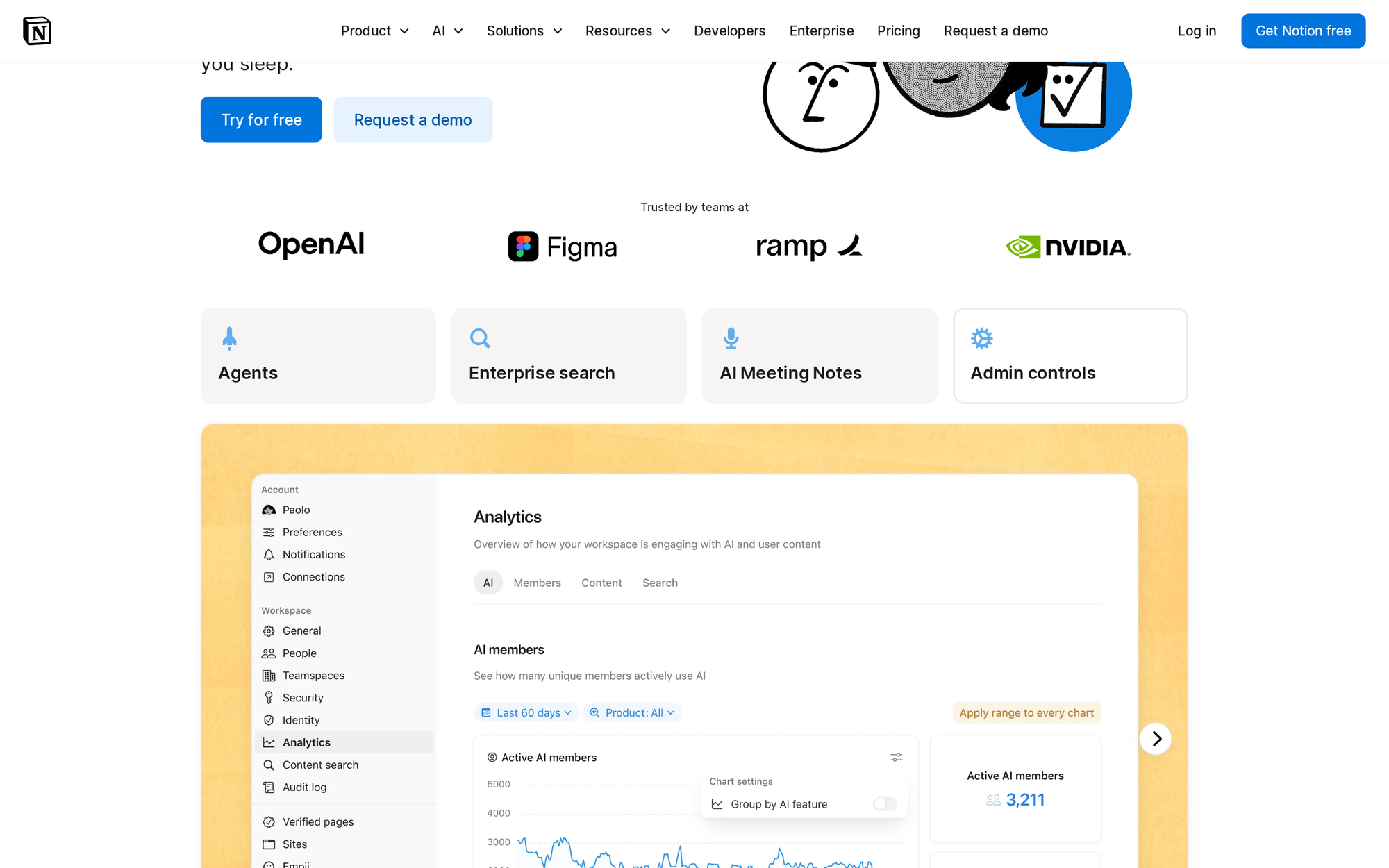
Notion AI adds generative text and search capabilities directly inside the Notion workspace environment. It acts as a connected assistant that reads across workspace pages, project databases, meeting notes, and documentation. Users can query their workspace in natural language to locate specific decisions, summarize long docs, or draft content.
The system also automates database property population, extracting key summaries or tags from page bodies automatically. Because Notion AI operates within the boundaries of the Notion document structure, its capabilities stay inside workspace pages. It does not execute actions in external third-party software applications independently.
Editorial verdict: Notion AI enhances internal team knowledge retrieval and note drafting inside Notion, but does not extend into external software execution.
Best for: Teams already using Notion as their primary company wiki, project hub, and documentation system.
Pros and cons
- Instant Q&A search synthesizes information across all workspace pages.
- Fills database properties automatically based on page text context.
- Inline text drafting and editing tools speed up document creation.
- Tied exclusively to data stored within the Notion ecosystem.
- Cannot perform external software tasks or cross-app automation routines.
Pricing: Notion AI costs $8 per user per month as an add-on for paid Notion workspace plans (billed annually) or $10 per user per month (billed monthly).
Official evidence: Verified via Notion AI product overview and Notion official pricing page.
9. Zapier AI: Cross-app automation and workflow bots
Zapier AI incorporates artificial intelligence into its established workflow automation platform. Capabilities include natural language Zap building, AI draft formatting, and Zapier Central, an interface for creating light AI bots. These bots connect to over 7,000 web applications to read data, trigger actions, and answer questions across connected tools.
Zapier excels at linear, event-driven triggers, such as forwarding a new form submission into a CRM or sending a Slack alert when a row updates. However, Zapier AI operates primarily on pre-configured trigger-and-action rules. It does not provide continuous role-based context retention or deep reasoning across long-running background tasks.
Editorial verdict: Zapier AI is an ideal choice for event-driven app connections, serving as an accessible trigger-action automation engine.
Best for: Operations managers and non-technical teams who need to connect distinct web applications through rule-based triggers.
Pros and cons
- Integration ecosystem connects to more than 7,000 web applications.
- Natural language builder creates automated workflows from text descriptions.
- Zapier Central bots execute specific app actions via natural language instructions.
- Relies on structured trigger-action rules rather than ongoing role-based reasoning.
- High-frequency task execution requires higher subscription pricing tiers.
Pricing: Zapier provides a free tier supporting basic two-step Zaps. Paid plans include Starter at $19.99 per month (billed annually), Professional at $49 per month (billed annually), and Team at $69 per month (billed annually), with additional AI task add-ons available.
Official evidence: Verified via Zapier official platform and Zapier AI product documentation.
10. Anthropic Claude: Reasoning and document analysis
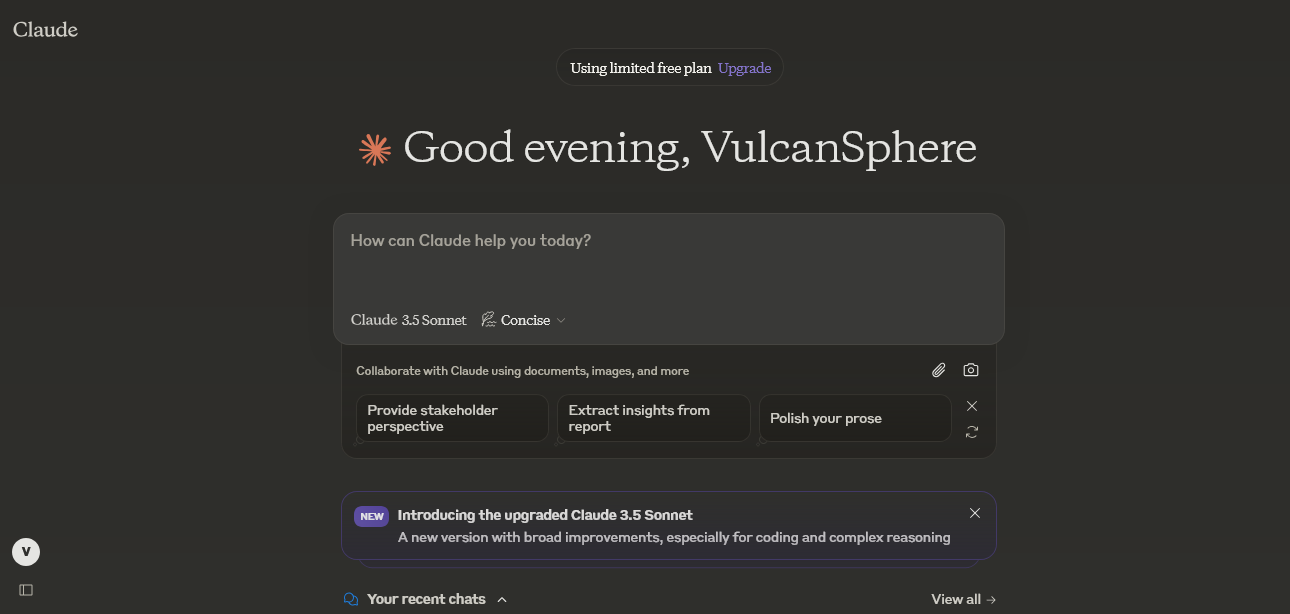
Anthropic Claude is a conversational AI platform known for reasoning capabilities, long context window processing, and code analysis. The platform handles inputs up to 200,000 tokens, enabling users to upload lengthy technical documents, contracts, research papers, or entire code repositories for analysis.
Claude includes Artifacts, a dedicated UI sidebar that displays generated code, dynamic visual graphics, and formatted documents alongside the main chat thread. While Claude handles reasoning and synthesis, it operates within a single-turn conversational session model. It does not execute continuous background tasks across external software tools without custom API development.
Editorial verdict: Claude is a premier conversational model for complex document synthesis and technical analysis, though it remains a prompt-dependent chat tool.
Best for: Analysts, lawyers, researchers, and writers requiring long-document processing and nuanced text synthesis.
Pros and cons
- 200,000 token context window parses full books, contracts, and large codebases.
- Artifacts sidebar displays generated code, graphics, and documents clearly.
- Precise instruction following minimizes conversational hallucination.
- Conversational interface requires user-initiated prompts for every task.
- Does not execute autonomous background actions in external business applications.
Pricing: Claude provides a free tier with daily message limits. Claude Pro costs $20 per month for expanded usage limits and priority access. Claude Team costs $25 per user per month (billed annually, minimum 5 seats) with administrative controls.
Official evidence: Verified via Anthropic Claude product page and Anthropic pricing documentation.
Frequently asked questions
How do persistent AI workers differ from standard conversational chatbots?
Conversational chatbots rely on manual user prompts to start every response. They answer questions inside a chat window but stop processing once the conversation pauses. Persistent AI workers operate continuously in the background across software systems like email, Slack, and web tools. They monitor incoming events, retain context over time, and execute multi-step routines without requiring a human to type manual instructions for every action.
Why is vendor diversity important when selecting AI platforms?
Selecting AI platforms across distinct specialized vendors prevents single-vendor dependency and avoids overlapping software capabilities. For example, deploying a general chat assistant and a companion coding tool from the same underlying vendor often creates redundant costs without expanding operational coverage. A diversified stack allows teams to choose top specialized tools for coding, voice, video, or research while placing persistent AI workers in core operational roles.
Are internal company data and communications safe with AI worker platforms?
Security depends on the platform's permission architecture, data encryption standards, and human oversight controls. Enterprise-grade AI worker platforms use role-based access controls, limiting what records an AI worker can read or modify. Organizations can configure mandatory human approval checkpoints so critical external actions require human sign-off before execution.
Can non-technical teams deploy persistent AI workers without software engineers?
Yes. Modern AI worker platforms like Spinnable provide administrative interfaces where business leaders configure roles, set workflow boundaries, and connect communication channels using standard credentials. While developer tools like Cursor require coding expertise, persistent AI worker platforms are designed for operational teams managing daily business workflows.
How should organizations evaluate AI platform pricing models?
AI pricing models fall into four main categories: flat monthly user seats (such as Notion AI or Claude Pro), usage-based credit tiers (such as Midjourney or Runway), task volume tiers (such as Zapier AI), and custom role-based enterprise pricing (such as Spinnable or Artisan). Teams should evaluate total cost of ownership by reviewing expected task volumes, active user seats, and the operational time saved by automating background tasks.
Choosing the right AI platform for your team
Building an effective AI stack in 2026 starts with matching specific operational needs to the right software architecture. Single-purpose tools deliver speed for point tasks: Perplexity accelerates web research, Cursor handles codebase refactoring, and ElevenLabs generates synthetic voice tracks. However, assembling multiple single-prompt assistants still leaves team members manually copying data between tools.
When daily operations require continuous execution across email, Slack, and internal systems, persistent AI workers like Spinnable address the structural gap between manual prompting and automated output. By assigning dedicated digital workers with clear role boundaries, evolving context memory, and mandatory human oversight, organizations build background workforces that run operational routines safely.